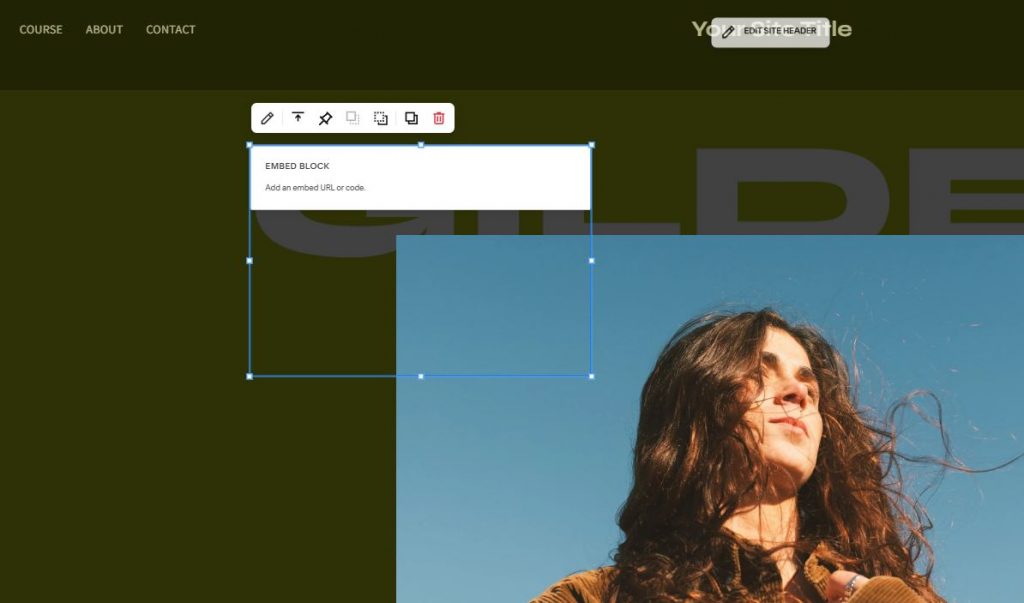
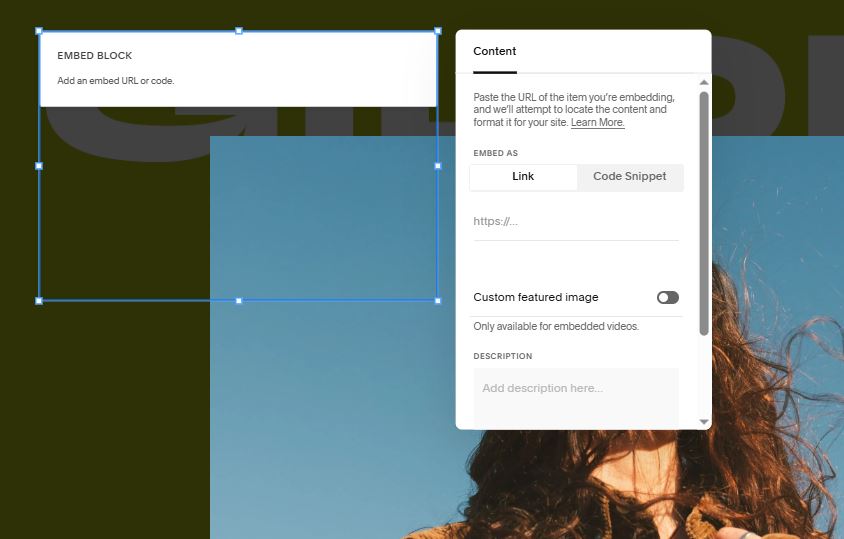
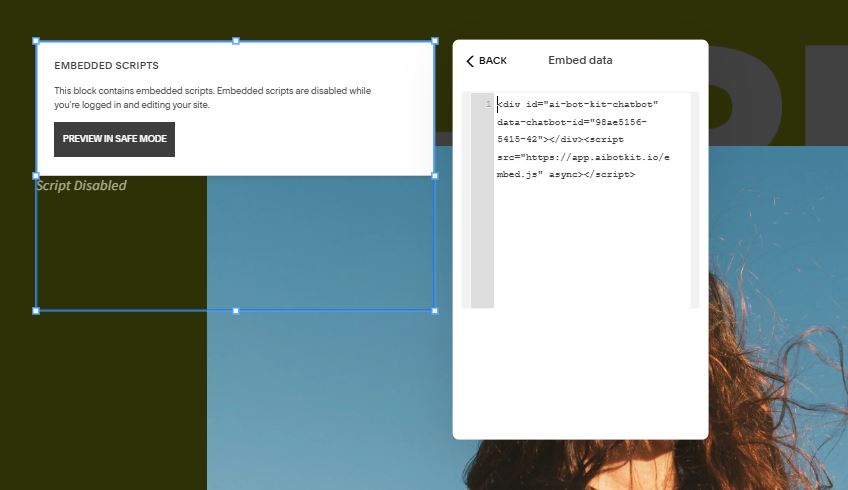
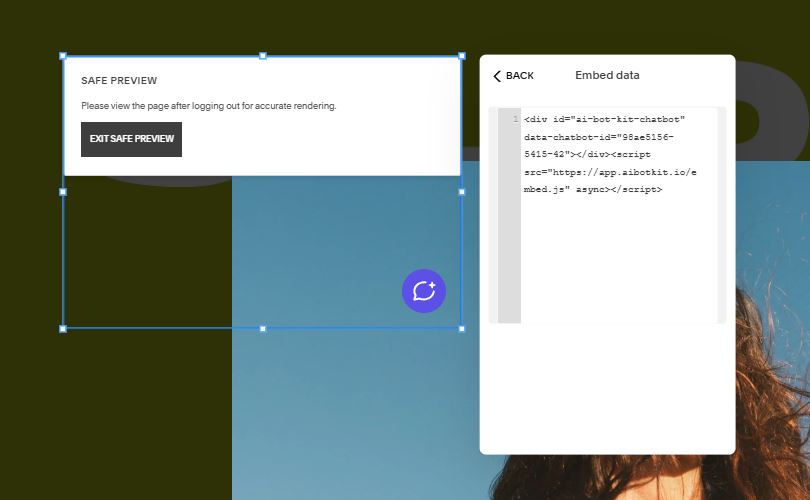
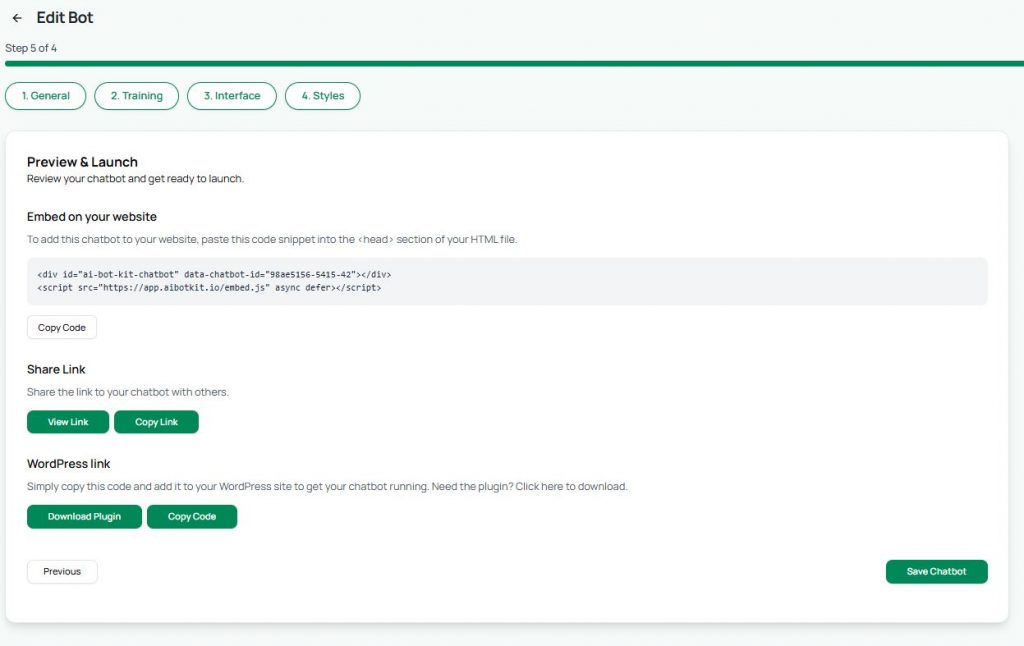
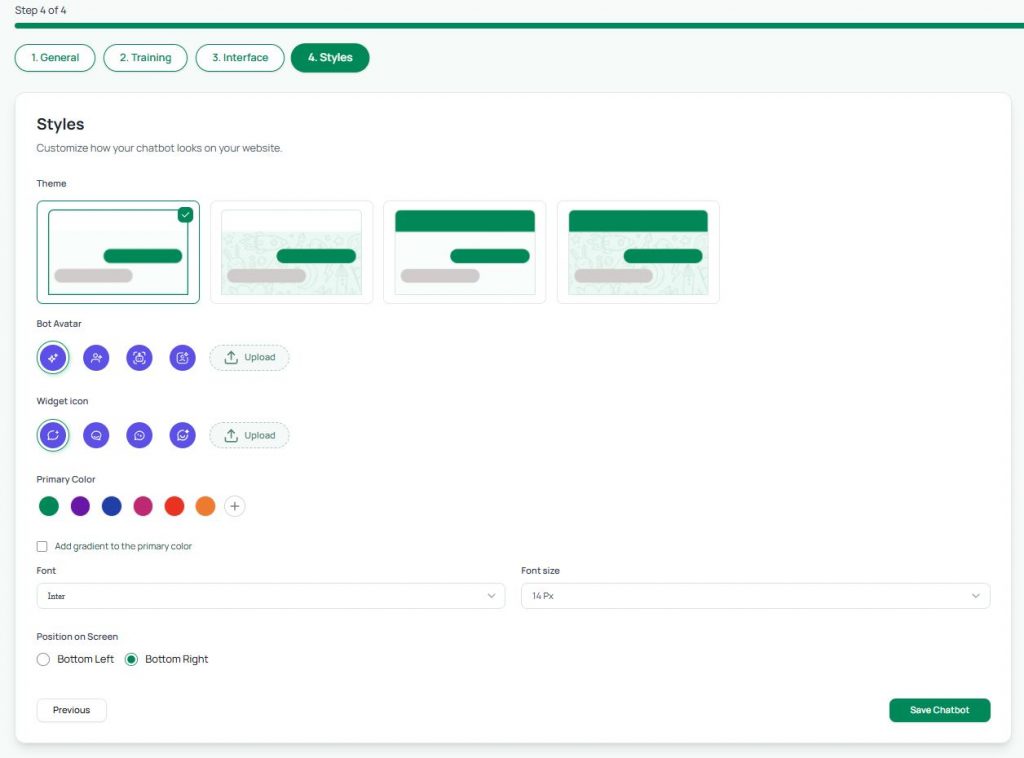
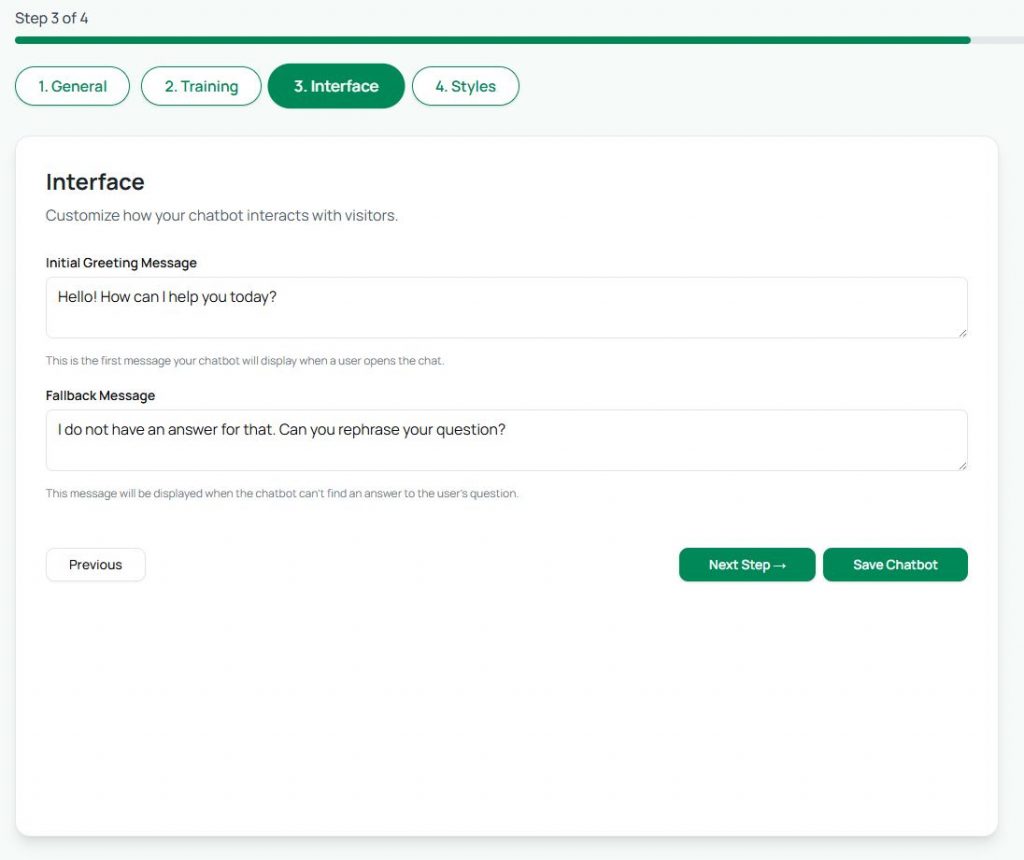
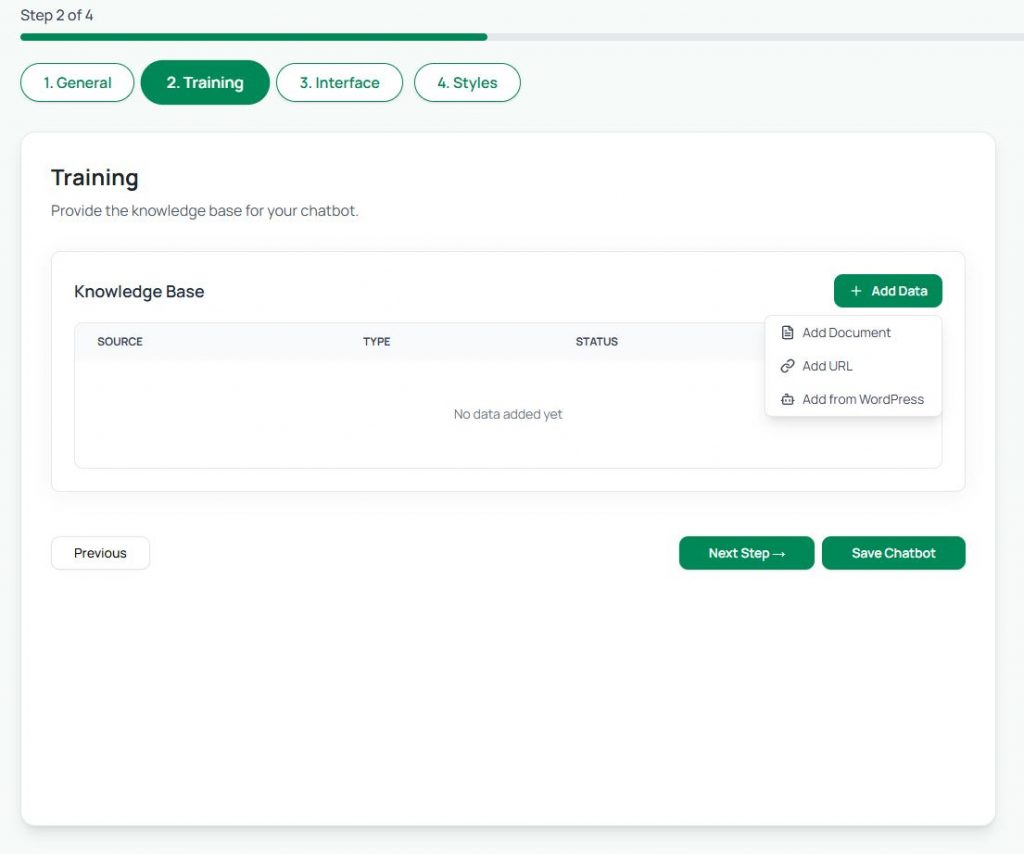
If you run a website on Squarespace and want a quick, affordable way to add a chatbot, AI BotKit makes it super easy. Just head to aibotkit.io, type your website link, and in a few clicks you’ll have your own AI-powered chatbot ready. No coding, Just in Minutes —set it up, customize it, and embed it on your site. Let’s see how.
Okay, now start your timer and see how quickly you can set this up — in just a few minutes your chatbot will be live, ready to chat with your visitors just like you. And yes, it’s completely free to get started.
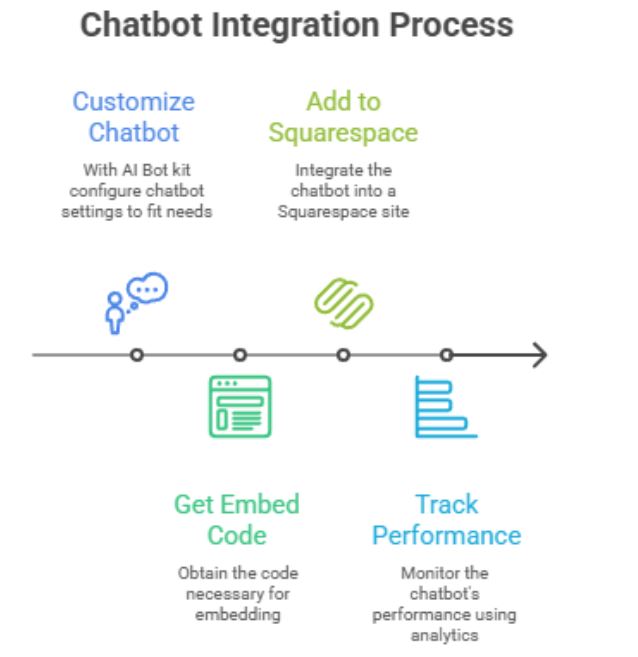
QUICK SET UP FLOW
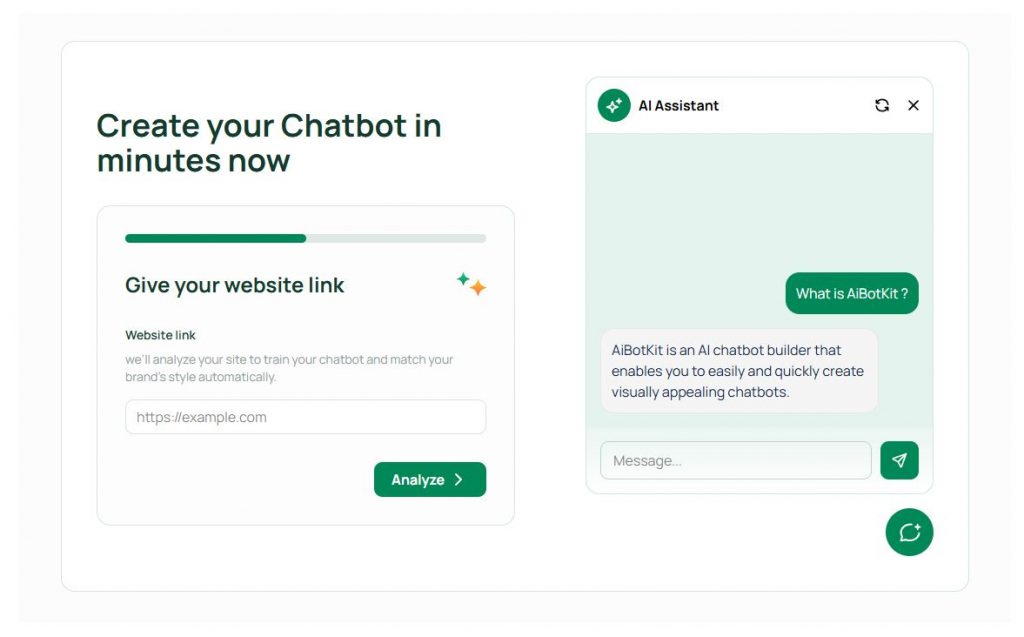
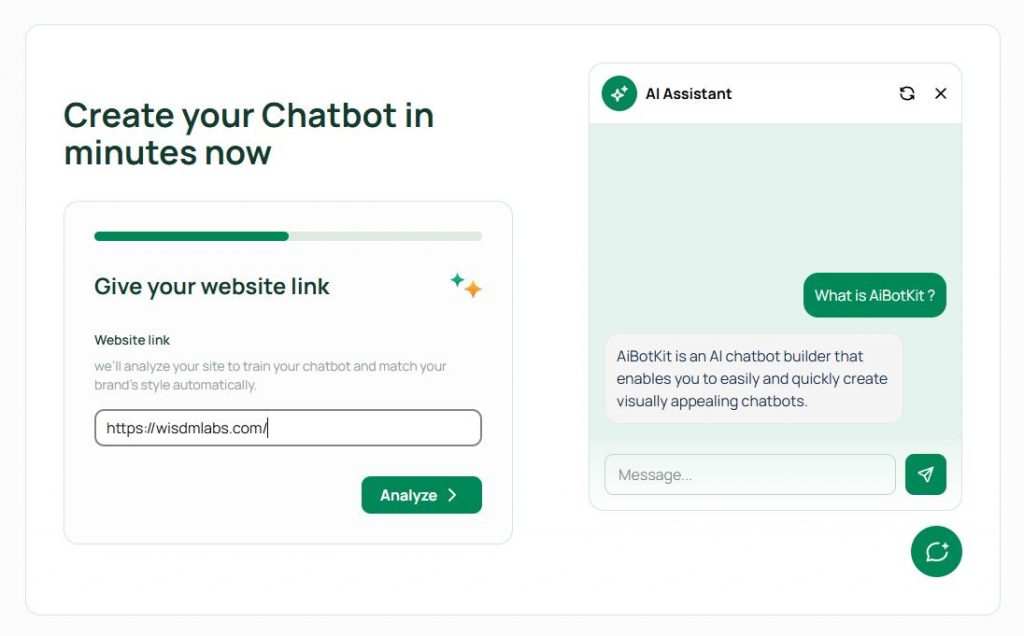
- Enter your website link and click Analyze
- AI Bot Kit will generate 4 different theme suggestions for your site
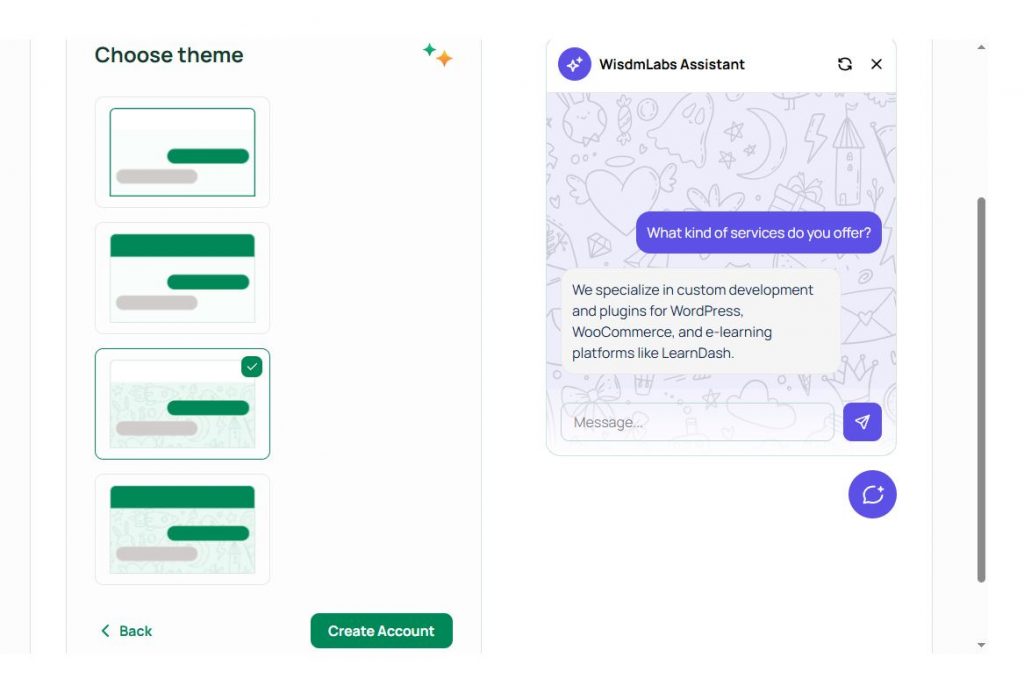
- Select your preferred theme, then click Create Account.
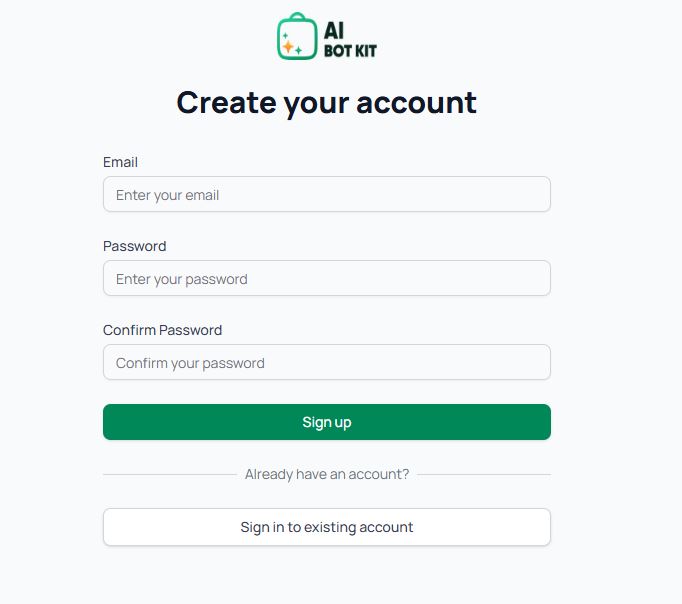
- Sign up with your email & password to create your account.
2. Customize Your Chatbot
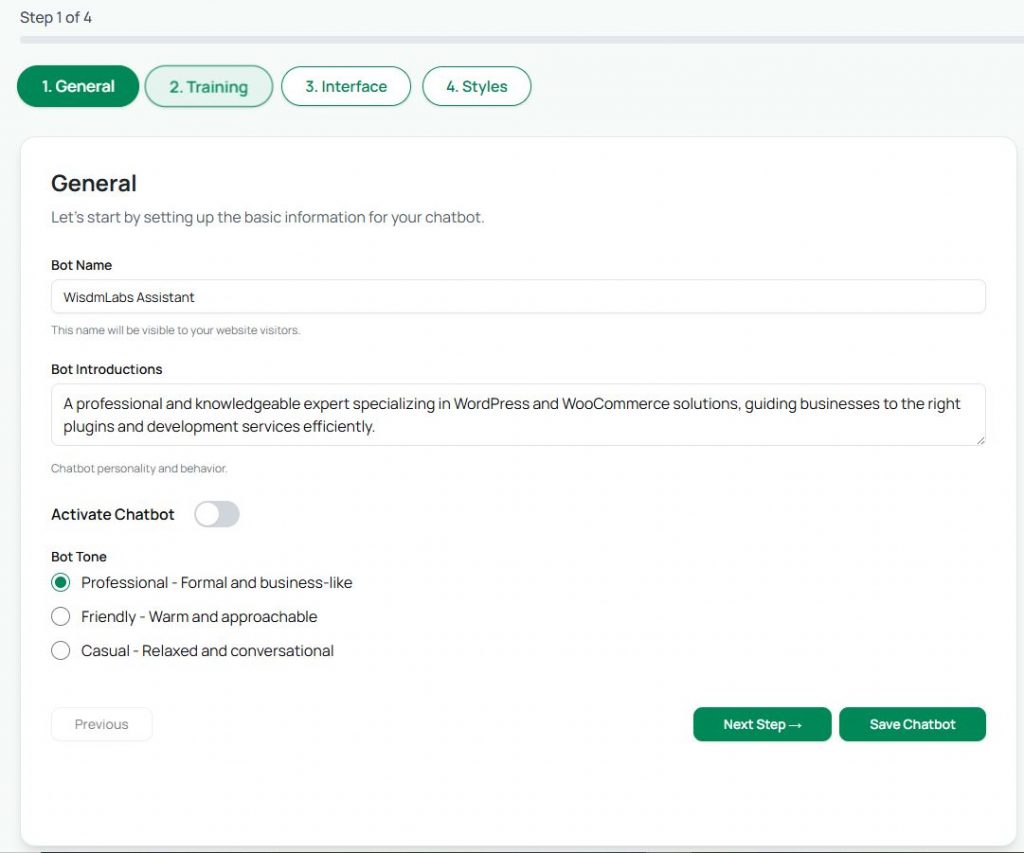
AI Bot Kit setup has 4 steps:
Step 1 – General
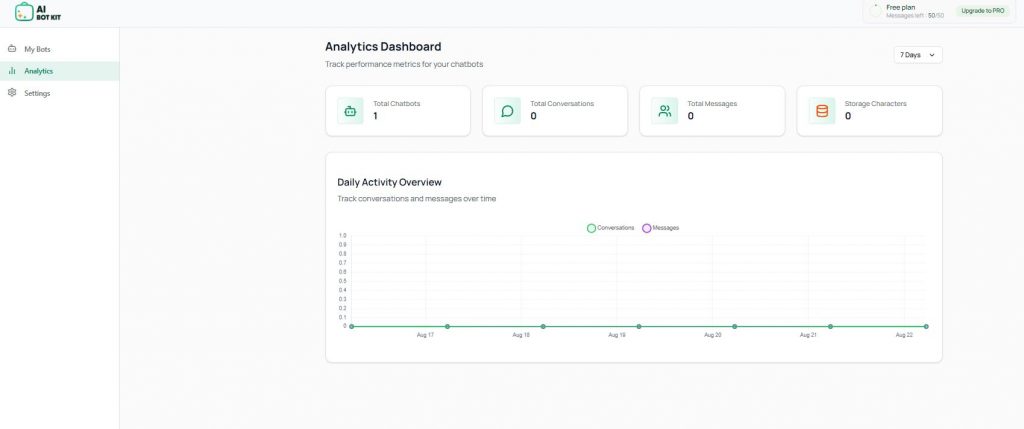
Now your chatbot is not only live, but also giving you data to understand customer engagement.
You’ve created your chatbot, embedded it on Squarespace, and can now track its performance. All the best in engaging your customers!
That’s it — in just a few steps, you’ve created and embedded your own AI Bot Kit chatbot on Squarespace. Compared to other tools, AI Bot Kit stands out because it’s much more affordable while still offering high-quality features. So you don’t have to overspend to give your visitors a smart, friendly chatbot. Simple, effective, and budget-friendly — exactly what you need.
FAQ
What makes getting started with AI Bot Kit so easy?
Launch your chatbot in minutes—no coding required. Simply train it with your own documents, FAQs, and content, and it’s ready to engage visitors instantly
How do I train AI Bot Kit to understand my business?
Effortlessly upload files like PDFs, Word docs, or copy-paste text. The system smartly learns from these inputs to provide accurate, business-specific responses.
Can AI Bot Kit capture leads or user information?ed question surrounding your service
This feature is Coming Soon – We are developing the feature to Seamlessly collect user details like name, email, or phone mid-conversation. Customize when and how the form appears—then receive submissions via email immediately, ensuring no lead is missed.
How customizable is the chatbot’s look and feel?
Completely customizable—you can personalize the avatar, color palette, fonts, welcome messages, and more to match your brand’s style and tone.
Does AI Bot Kit support multilingual conversations?
Absolutely. Communicate with your audience globally—AI Bot Kit supports multiple languages to deliver localized, friendly interactions.
Will my chatbot retain context across pages?
Yes. The chatbot follows visitors as they navigate your site, preserving context so conversations feel seamless and uninterrupted.
Can I review chatbot conversations or feedback?
Yes, transcripts can be sent directly to your inbox. This enables you to monitor interactions, gather insights, and refine responses over time.
Are there templates or presets to jumpstart setup?
This Feature is coming soon, you can choose from industry-specific or use-case templates, then customize them for your needs. It’s a quick way to go live without starting from scratch.
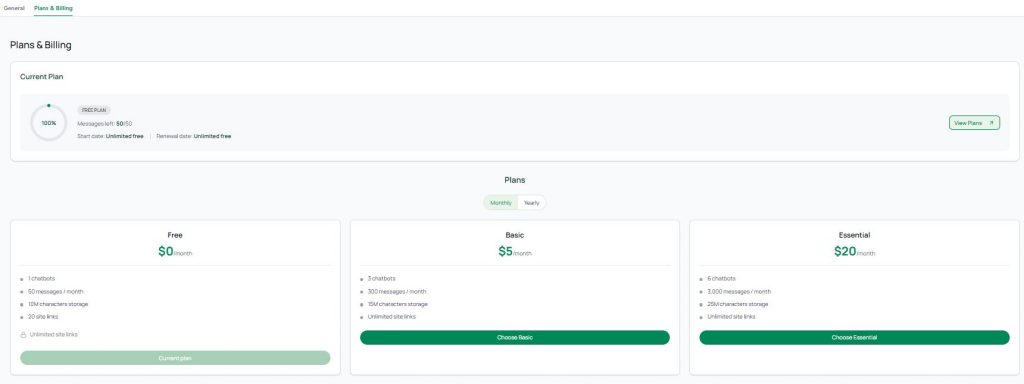
Choose your AI Chatbot plan
Compare all AI bot kit plans — crafted for startups, agencies, and growing businesses. Get the best chatbot for your website without overpaying.