AI Chatbot for WhatsApp
Automate your WhatsApp conversations with AI
Resolve 80% of customer queries instantly. Just upload your PDFs or enter your website URL. AI BotKit handles the rest.

Start for FREE, no credit card required



4.5 out of 5
Trusted by 500+ businesses
Chat with the AI BotKit Assistant inside your own WhatsApp
Test the AI BotKit WhatsApp Assistant
Scan the QR code or open WhatsApp directly to chat
How It Comes Together
Tired of answering the same questions again and again?
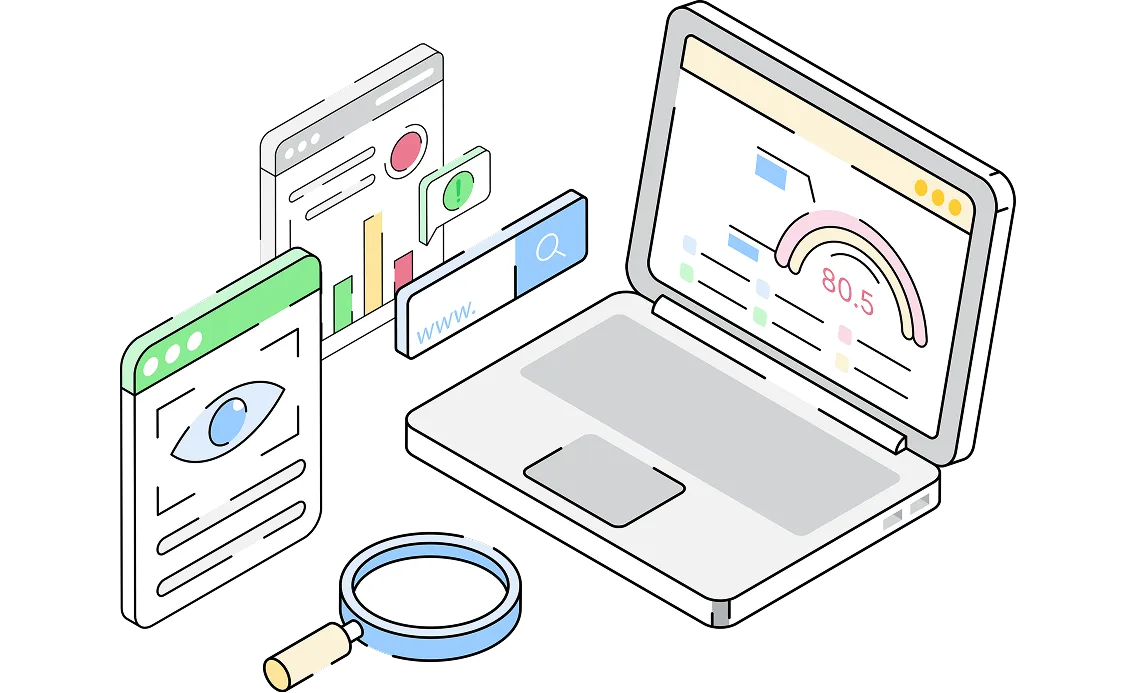
Your chatbot should handle it, but most don’t. AIBotKit learns from your website, documents, and tools to give accurate, human-like replies.

Website Scraping
Auto-crawl your site daily for updates.
Auto-crawl
Daily-sync
Sitemap
All pages

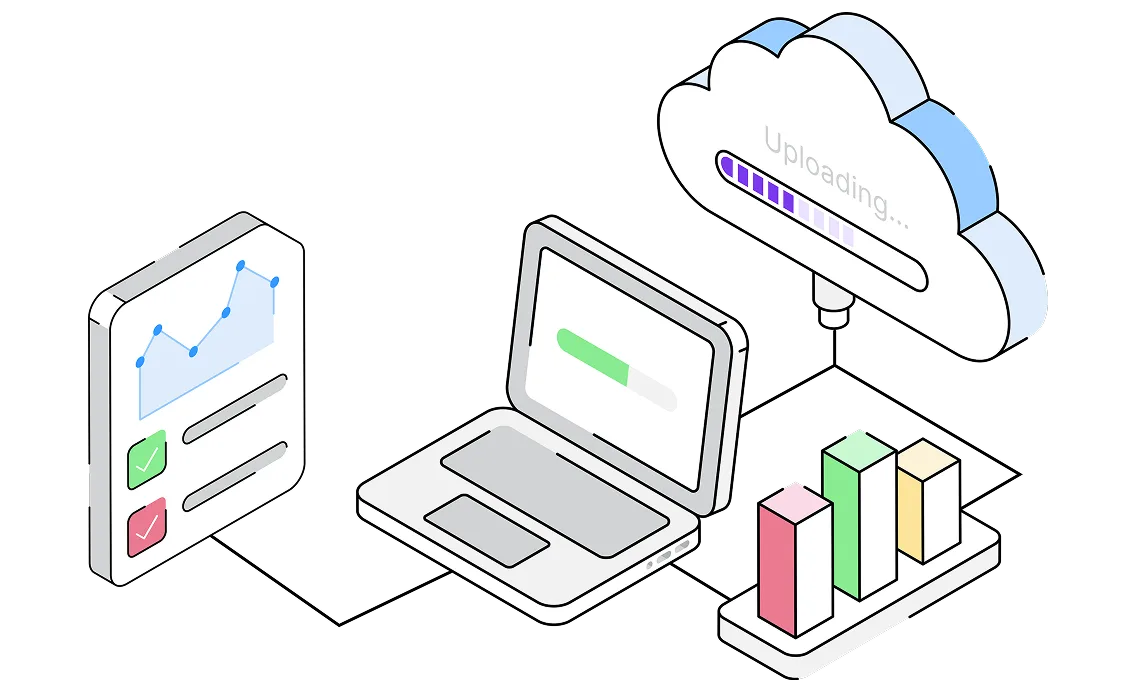
PDF & Doc Uploads
Incorporate manuals, whitepapers, and guides.
PDFs
DOCX
TXT
Whitepapers

Multilingual Conversations
Communicate naturally with visitors in 75+ languages and provide accurate responses without creating separate bots.
175+ Languages
Auto Detection
Global Audience
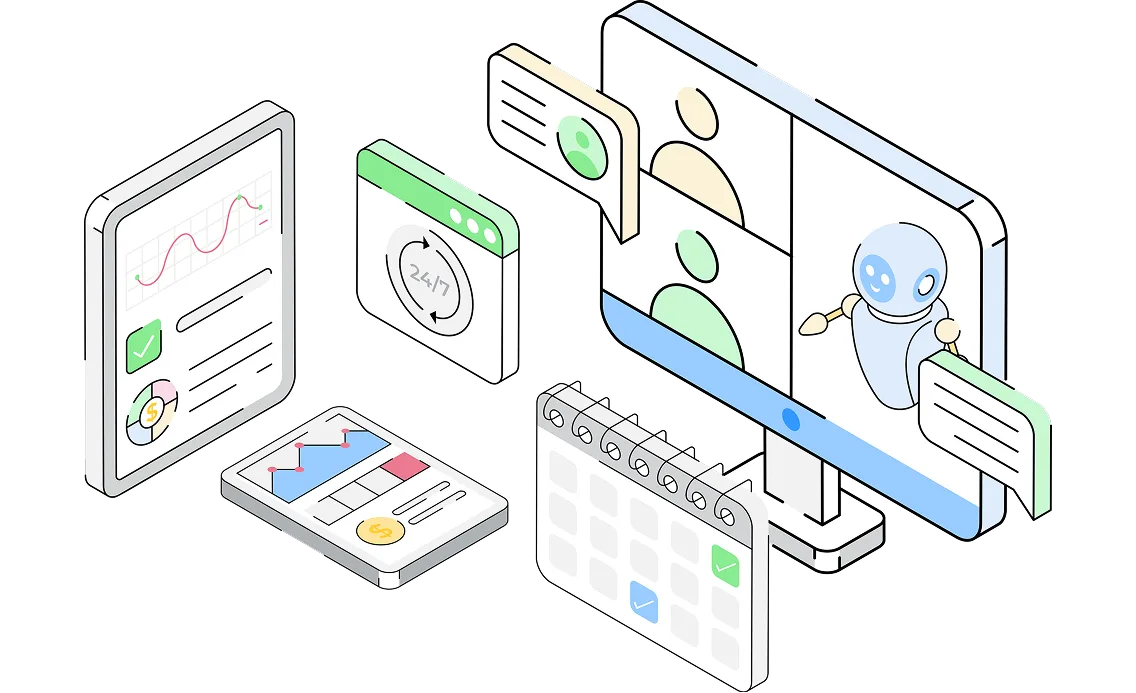
Why Businesses Choose Us
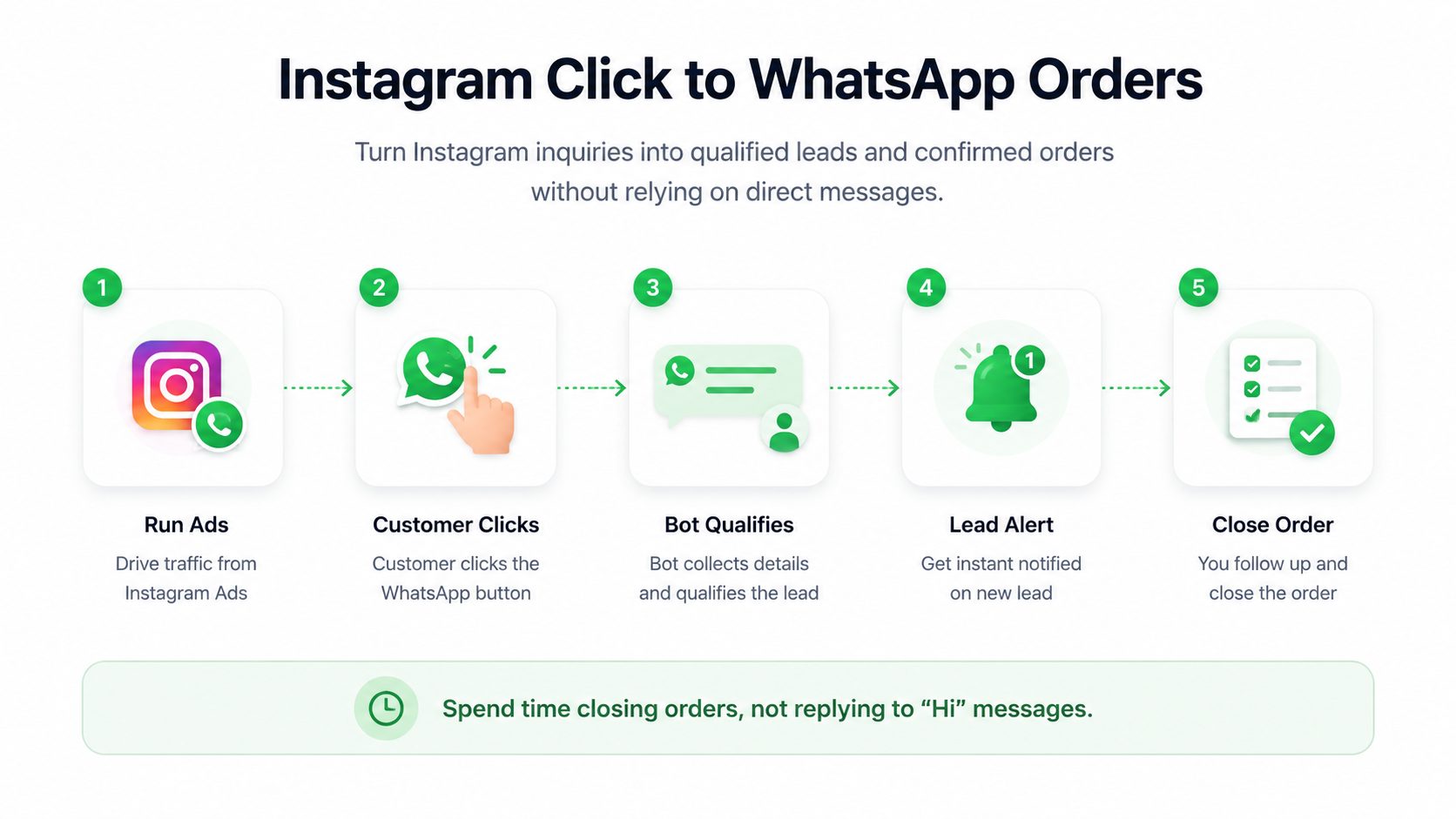
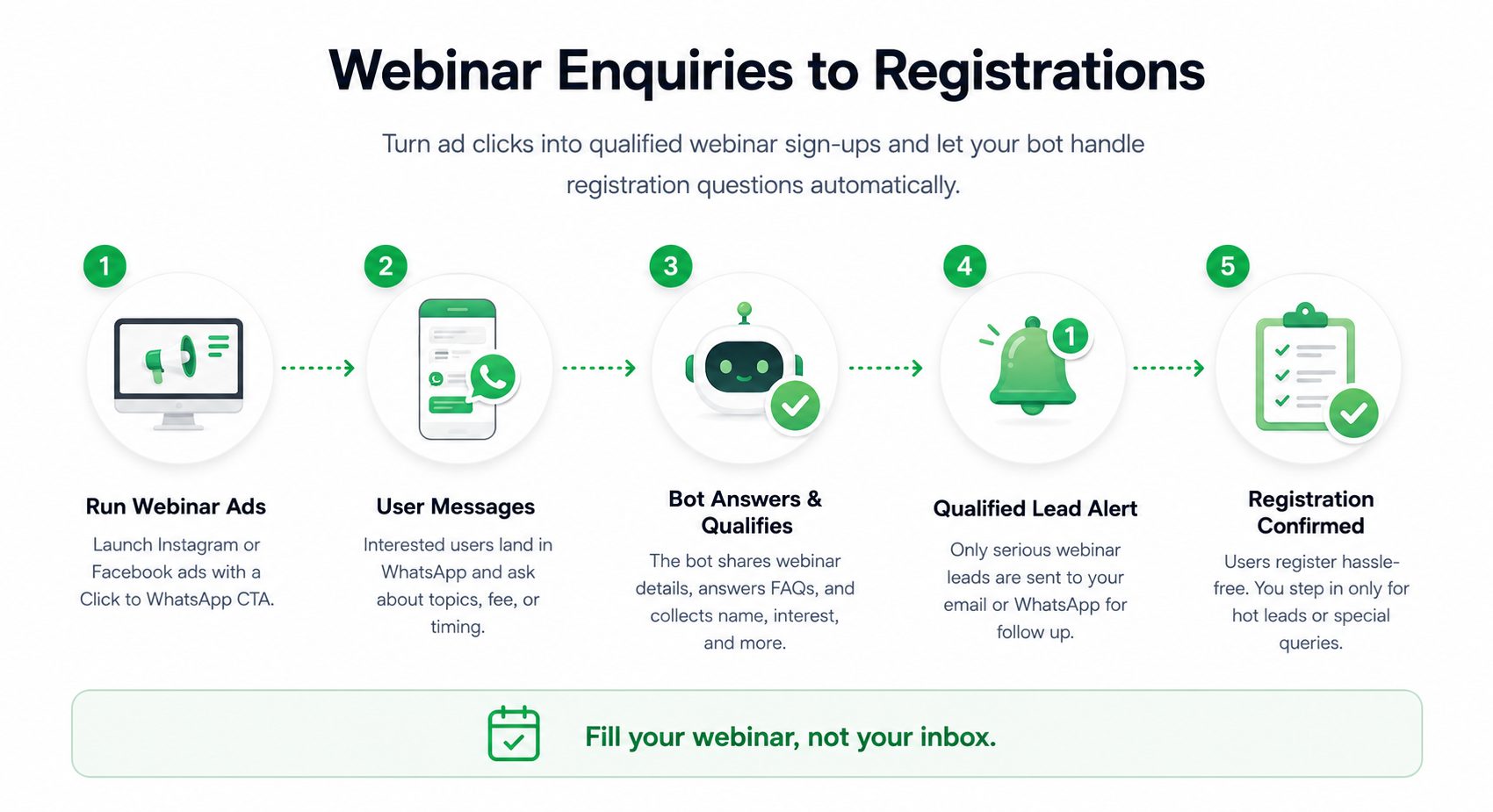
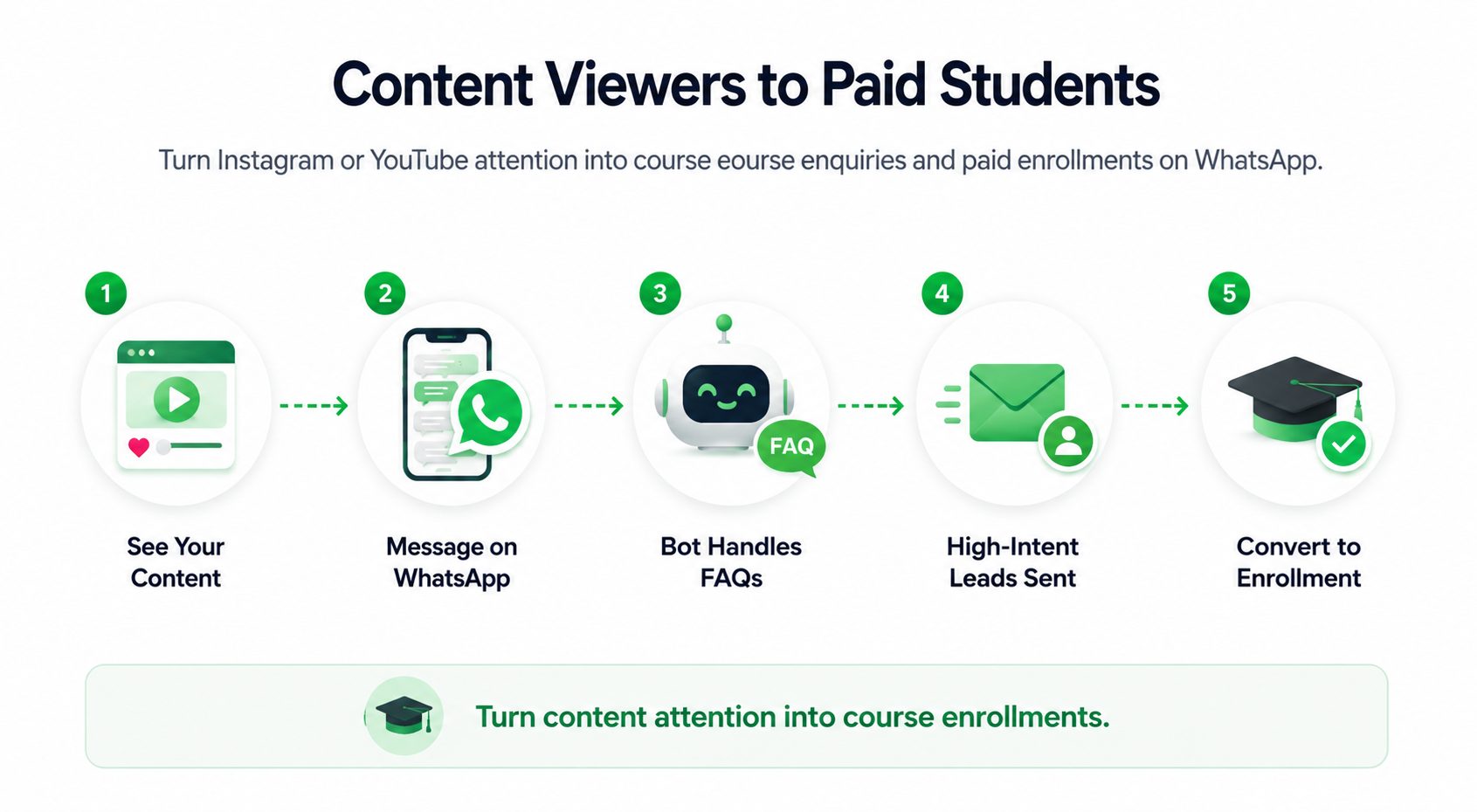
How Your WhatsApp AI Agent Works in Real Business Scenarios
From ads to orders, automate conversations, qualify leads, & focus only on what matters.
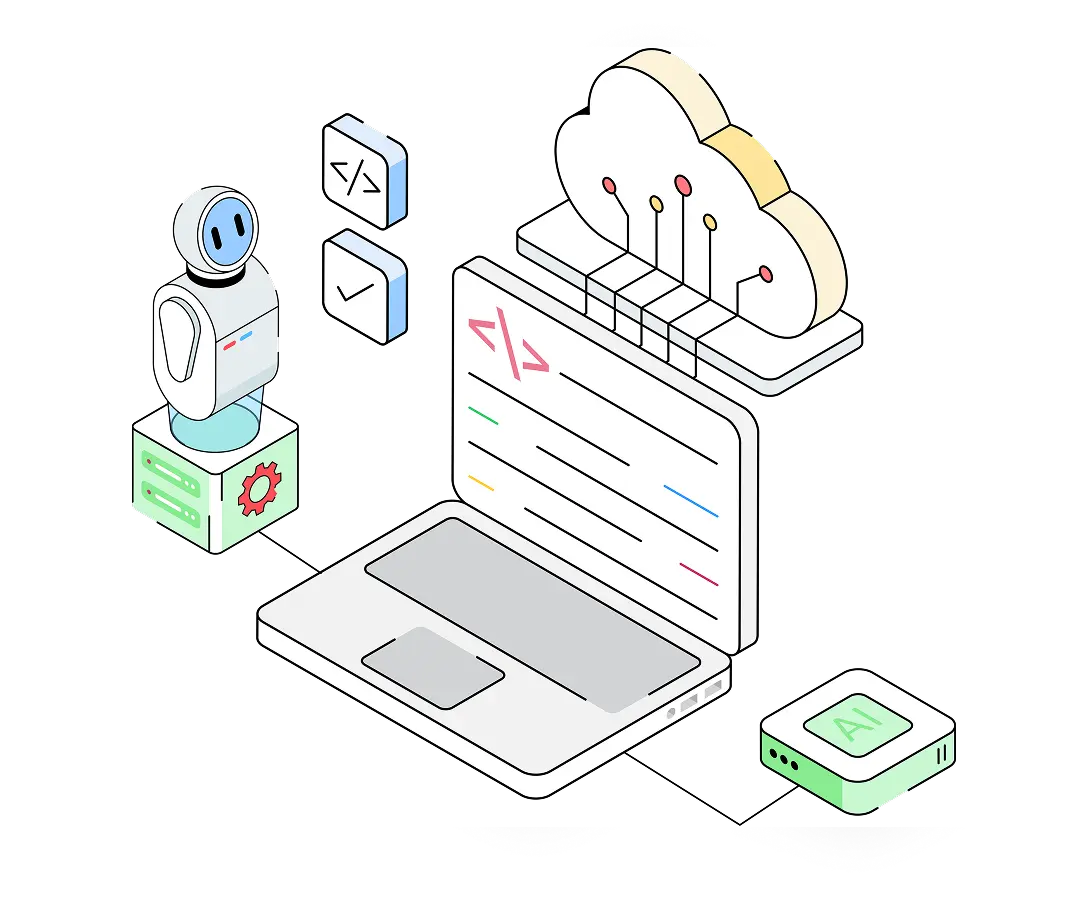
MULTILINGUAL SUPPORT
Talk Your Customer’s Language
Your AI assistant automatically understands and responds in your visitors’ preferred language.

75+ Languages

Auto Detection

Global Audience
CLICK TO WHATSAPP ADS
Turn Ad Clicks into Conversations
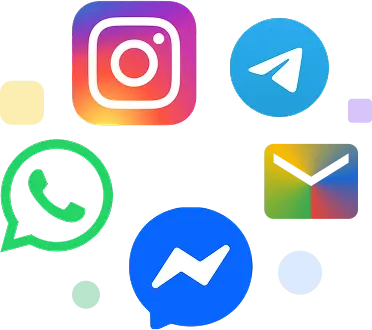
Stop losing leads after they click your ads. Send visitors directly from Instagram, Facebook, YouTube, or your website to WhatsApp, where your AI assistant instantly responds and answers customer questions.

Instant FAQ Responses

Pricing & Product Details

Lead Qualification

WhatsApp (and more)
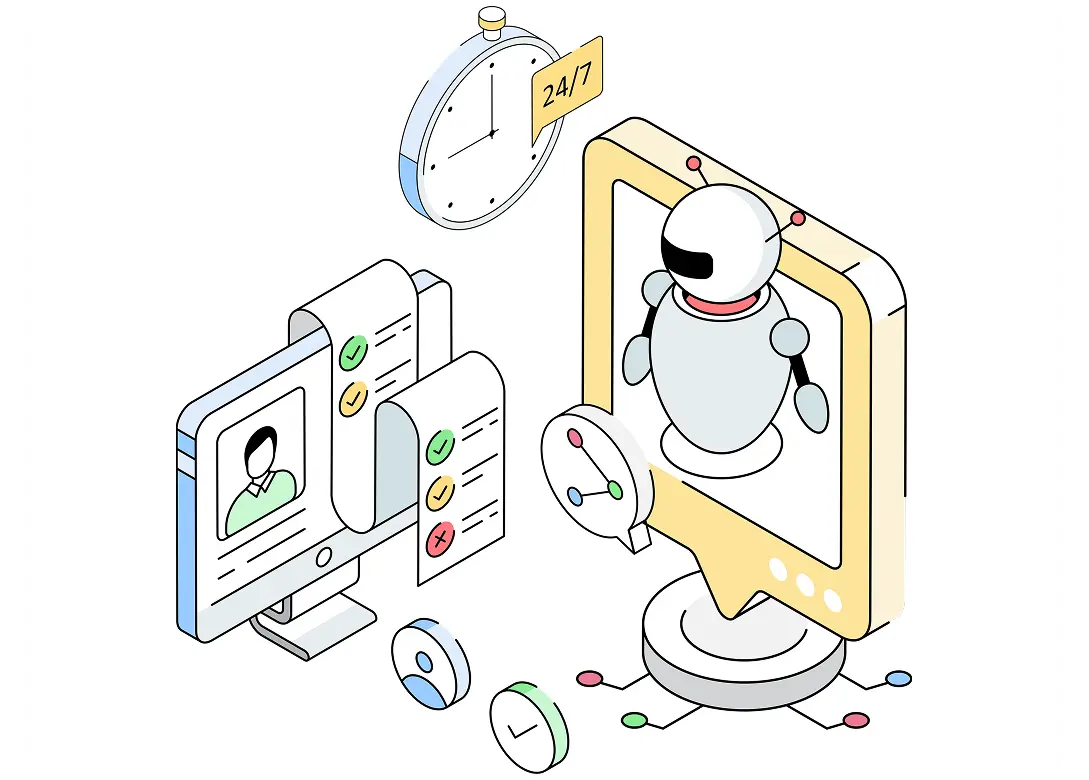
ONE AI AGENT
Train Once. Deploy Everywhere
Train your chatbot only once. The same AI assistant can work across your website, WhatsApp, Instagram, Messenger, and other channels while keeping responses consistent everywhere.
One Bot Across Channels
Consistent Answers Everywhere
Single Dashboard Management
Why AI BotKit
Everything you need to run support and sales smoothly
No missed conversations, no outdated answers, no confusion, just a system that works reliably.

Human Handoff
Move conversations to your team when needed. When the bot can’t handle something, it smoothly hands it over, with full context, no repetition.

Auto-Sync
When your WordPress website content updates, your bot updates. Never serve outdated information again.

Deep Analytics
See exactly what users are asking, identify knowledge gaps, and track resolution rates.
Security
Your data security comes first
You can focus on automation without worrying about data leaks or misuse.

Full Control Over Bot
Easily update, replace, or delete your bot’s content anytime from your dashboard.

You Control the Data
Easily update, replace, or delete your bot’s content anytime from your dashboard.

Secure Integrations
All third-party connections (Google Calendar, WhatsApp API, CRMs) use secure, token- based authentication.

No Unauthorized Access
Your bot’s training data and customer chats are never shared or used for other purposes.
How It Works
3 Simple steps to launch your AI Chatbot
Deploy your AI-powered chatbot in minutes trained on your content and ready to automate conversations 24/7.
1
Register for WhatsApp API
Apply for WhatsApp Business API access through Meta. Connect your number and get approval to start automating conversations
2
Add Your Content
Upload your website links, FAQs, documents, or product details. Your AI bot instantly learns and gets ready to handle customer queries.
3
Go Live & Start Conversations
Your WhatsApp AI agent starts responding instantly, qualifying leads, and helping you close orders, without manual replies.
Testimonials
What Our Users Say
5 out of 5
“Guests now check rooms and offers through chat — inquiries and bookings shot up instantly!”

Priya Nair
Bloom Stay
5 out of 5
“The bot explains our products perfectly and helps visitors pick the right one every time. Queries dropped 60%.”
Dr. Hari
Brittle.in
5 out of 5
“AI Bot Kit handles all our event inquiries instantly — it’s like having a 24×7 smart receptionist!”

Rohan Thakare
Samarra Banquets & Lawns
5 out of 5
“Our customers get instant answers and product help — the chatbot feels friendly and accurate!”

Shradha
Emera.in
Simple and Affordable Pricing
Your WhatsApp AI chatbot, ready in minutes
15-day free trial on every plan. No credit card required.
Basic
Simple tools to get you started
.
- 2 Chatbots
- 1000 Monthly AI Messages
- 10M Storage (Chars)
- 2000 webpages / chatbot
Features
Everything in Free and
- Chat Transcript (Email)
- Lead Notifications (Email)
- Custom Footer
- Support: Email
- Installation Support
- Training Support
Essential
The perfect plan for serious growth
.
- 5 Chatbots
- 2000 Monthly AI Messages
- 20M Storage (Chars)
- 5000 webpages / chatbot
Features
Everything in Basic and
- Human Handover (Email)
- Instant Handover to Apps
(WhatsApp, Instagram, Messenger,Telegram) - Manaul Retrain
- Auto Retrain (WordPress)
- 3 Custom AI Action (Webhooks)
- Channel Integrations
(WhatsApp, Instagram, Telegram, Slack, Discord, Google Chat) - Security: Banned Words
- Security: IP Blocking
Business
Powerful features for scaling teams
.
- 7 Chatbots
- 3000 Monthly AI Messages
- 30M Storage (Chars)
- 5000 webpages / chatbot
Features
Everything in Essential and
- Live Chat
- 5 Custom AI Action (Webhooks)
- Remove “Powered by” AI BotKit Branding
- Priority Support
- Advanced AI Automation (Paid Add-on)
- Managed Chatbot Service (Paid Add-on)
FAQ
Frequently Asked Questions
What is a WhatsApp AI chatbot for businesses?
A WhatsApp AI chatbot is an automated assistant that responds to customer messages on WhatsApp instantly. With tools like AIBotKit, businesses can handle enquiries, qualify leads, and guide customers without manually replying to every message.
How does a WhatsApp AI chatbot work?
A WhatsApp AI chatbot connects to your WhatsApp Business API and automatically responds to incoming messages. It understands user queries, asks relevant questions, and helps move conversations toward a goal like lead capture, booking, or order completion.
Do I need WhatsApp Business API to use a chatbot?
Yes, to run a scalable WhatsApp AI chatbot, you need access to the WhatsApp Business API. AIBotKit helps you set up and connect your API so your chatbot can automate conversations without limitations.
Can a WhatsApp chatbot automatically reply to customers?
Yes, a WhatsApp chatbot can instantly reply to all incoming messages 24/7. Instead of manual replies, the bot answers queries, shares information, and keeps the conversation going without delays.
Can a WhatsApp chatbot qualify leads automatically?
Yes, a WhatsApp AI chatbot can ask questions like budget, requirement, timeline, or interest level to filter serious leads. AIBotKit ensures only high-intent enquiries are sent to you, saving time and improving conversions.
How fast can I set up a WhatsApp AI chatbot?
With AIBotKit, you can set up your WhatsApp chatbot in minutes once your API is connected. There’s no need for complex coding or workflow building — your bot can start responding almost instantly.
Can I use a WhatsApp chatbot for sales and orders?
Yes, businesses can use WhatsApp chatbots to guide customers, answer product questions, collect requirements, and even assist in completing orders — all within a conversation.
How long does it take to get an AI chatbot live?
You can have an AI chatbot live on your website in just 2 to 3 minutes. The AI auto-trains on your URLs instantly, meaning you can test and deploy it the same day you sign up.
Will the chatbot replace human conversations completely?
No, a WhatsApp AI chatbot handles repetitive queries and initial conversations. You can step in anytime for high-intent leads or important discussions, making it a human + AI workflow.
Can a WhatsApp chatbot handle multiple customers at once?
Yes, unlike manual handling, a WhatsApp AI chatbot can respond to hundreds of conversations simultaneously without delays, ensuring no lead is missed.
Can I control the tone of the AI chatbot?
Yes. You can set specific “Bot Instructions” to dictate how the AI speaks. Whether you want your bot to sound professional, casual, friendly, or authoritative, it will follow your exact prompt guidelines.
What happens if the chatbot doesn’t know the answer?
You maintain complete control. If a user asks a question the bot hasn’t been trained on, it won’t guess. Instead, it triggers a customizable “fallback message” (e.g., “I’m not sure about that, but let me connect you with a human agent”) and can prompt the user to leave their contact details.
Can the chatbot speak multiple languages?
Yes! AIBotKit supports over 75 languages. You can set a default language or let the bot auto-detect and respond in the native language of the website visitor.
Is WhatsApp chatbot automation allowed by Meta?
Yes, WhatsApp chatbot automation is officially supported through the WhatsApp Business API. AIBotKit works within Meta’s guidelines to ensure your business stays compliant while automating conversations.
What happens if I exceed my monthly AI message limit?
If your traffic spikes and you hit your message limit, you can easily upgrade your plan directly from the dashboard. We offer transparent tracking so you always know how many messages and storage characters you have left.
Can an AI chatbot book appointments or schedule meetings?
Yes, with our Advanced AI Automation services, AIBotKit can be integrated directly with tools like Google Calendar and Google Meet to allow instant booking flows right inside the chat window.
How do I know if the chatbot is actually helping my customers?
AIBotKit includes a comprehensive analytics dashboard. You can view full chat histories, track the volume of generated leads, monitor response times, and identify common questions to continuously improve your bot’s knowledge base.
What is a “Human Handover” feature?
Human Handover allows the AI to step aside when a customer needs complex, personalized help. Available on our higher-tier plans, this feature notifies your team via email so a real human can take over the conversation seamlessly.
How accurate are AI chatbot responses on WhatsApp?
AI chatbot accuracy depends on the content and setup. With AIBotKit, the bot responds based on your business information, ensuring relevant and context-aware answers for customer queries.
How is an AI chatbot different from live chat?
Live chat requires a human agent to be sitting at a computer, waiting to reply. An AI chatbot works autonomously 24/7, providing instant answers to multiple users simultaneously without making them wait in a queue.
Can I use the chatbot for internal team support or HR?
Definitely. You can upload internal company manuals, HR policies, and onboarding documents to create a private AI assistant that answers employee FAQs instantly, reducing the repetitive workload on your HR team.
Do you offer done-for-you chatbot setup?
Yes! If you don’t want to build it yourself, we offer free setup and strategy calls for our users. We also provide “Managed Chatbot Services” as a paid add-on where we build, customize, and optimize the bot end-to-end for your business.

Limited Time — Start Free Today
Scale your business on Autopilot
Stop wasting time on routine chats. Let AIBotKit handle the work while you focus on growth.
No Credit Card Required