
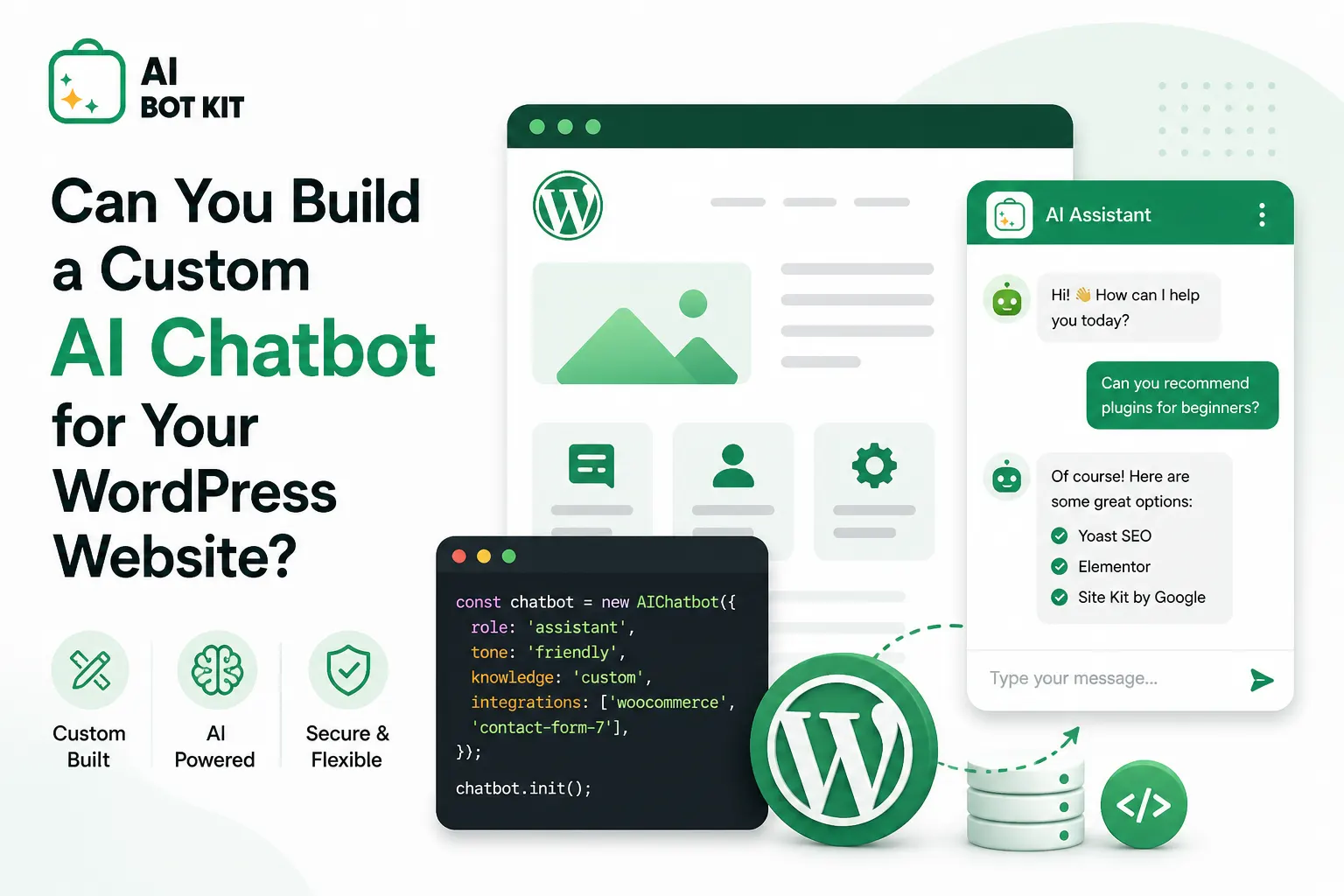
Ever felt like your website is a ghost town even when the traffic numbers look okay? You’ve got visitors clicking around, but nobody is actually talking to you. It’s a common headache for WordPress site owners who want to engage users without staying glued to a laptop 24/7. So, the big question is: Can you actually build a custom AI chatbot for your WordPress website?
Yes, you can easily build a custom AI chatbot for your WordPress website using tools like AIBotKit. You don’t need to be a coding wizard to make this happen.
I’ve spent way too many hours testing “smart” bots that turned out to be about as helpful as a screen door on a submarine. But things have changed. Now, we have access to the same tech that powers ChatGPT, and it fits right into your WordPress dashboard. IMO, it’s the closest thing to hiring a full-time support rep for the price of a fancy lunch. 🙂
Why Should You Even Bother with a Custom AI Bot?
Let’s be real for a second. Standard chatbots are usually just glorified decision trees that frustrate people. You click a button, it gives you a pre-written answer, and if you ask anything else, it breaks. A custom AI chatbot is different because it learns your content and talks like a human.
The Problem with Old-School Chatbots
Most bots on the market rely on rigid rules. If a customer doesn’t use the exact keyword you programmed, the bot fails. It’s annoying for the user and reflects poorly on your brand. Why settle for a robot that sounds like a 1990s microwave when you can have a conversational genius?
The Custom AI Advantage
A custom bot uses your documentation, blog posts, and product pages as its brain. This means:
- It provides accurate, context-aware answers based on your specific business.
- It handles complex queries that would stump a basic plugin.
- It stays “on-brand” with a personality you define.
- It never gets tired or complains about working on weekends.
How Does the Setup Process Actually Work?
You might think you need a computer science degree to pull this off, but I promise it’s simpler than it looks. Most modern solutions involve a few straightforward steps. You basically give the AI a “brain” (your data) and a “body” (the WordPress plugin).
Step 1: Installing the AIBotKit Plugin
This is where the magic happens on your WordPress site. You install a plugin like AIBotKit, which is designed specifically to make this integration painless. I love how it doesn’t bloat your site with unnecessary code. It just provides a clean interface to manage your bot.
Step 2: Training the Bot on Your Data
This is the “custom” part of the “Custom AI Chatbot.” You don’t just want it to know general facts; you want it to know your prices, your shipping policy, and your quirky brand story. You can upload PDFs, sync your website URLs, or even link your Gitbook documentation directly.
Is It Expensive to Run a Custom Bot?
Budget is always the elephant in the room, right? People often assume AI is a massive money pit. In reality, the “pay-as-you-go” model of modern AI APIs makes it incredibly affordable for small businesses.
Running a custom AI chatbot on WordPress typically costs between $10 and $50 per month for most small to medium sites. This includes the cost of a plugin subscription and the API usage fees from providers like OpenAI. Compared to the salary of a human support agent, the ROI is massive.
I’ve seen people spend more on premium themes they never use than they would on a bot that actually generates leads. If you’re worried about costs spiraling out of control, most platforms let you set hard usage limits. No surprise bills here!
What Makes AIBotKit Different from Other Plugins?
If you search the WordPress repository, you’ll find dozens of chatbot plugins. Some are okay, but many are just wrappers for basic scripts. AIBotKit stands out because it focuses on the user experience for the site owner.
Ease of Documentation Syncing
One of the biggest chores in AI is keeping the bot’s knowledge up to date. AIBotKit makes this effortless by allowing you to sync your documentation directly. If you update a page on your site, the bot learns the new info almost instantly.
Multi-Model Support
Why lock yourself into one AI provider? Maybe you prefer the speed of Gemini or the reasoning of GPT-4. AIBotKit gives you the flexibility to switch models without rebuilding your entire bot from scratch. It’s like having a universal remote for AI.
Can the Bot Actually Generate Leads?
A chatbot shouldn’t just be a Wikipedia for your website. It needs to work for you. A well-configured AI bot is a 24/7 lead generation machine that qualifies prospects while you sleep.
Capturing User Information
Instead of a boring contact form that nobody fills out, the bot can ask for an email address naturally during the conversation. “Hey, I can send that pricing guide to your inbox. What’s your email?” sounds way better than a static field.
Directing Users to the Right Place
If a visitor asks about a specific service, the bot can provide a direct link to that product or booking page. It reduces the “friction” that usually causes people to leave your site. FYI, every extra click a user has to make lowers your conversion rate.
Will an AI Chatbot Slow Down My Website?
This is a valid concern. We all know that a slow WordPress site is a SEO nightmare. Fortunately, modern AI bots are “asynchronous,” meaning they don’t load all their heavy logic until the user actually interacts with them.
A well-coded AI chatbot plugin will have a negligible impact on your PageSpeed Insights score. Since the heavy lifting (the thinking) happens on the AI provider’s servers, your website only handles the chat interface. Your mobile users won’t even notice a delay.
I always recommend testing your site speed before and after installation just to be sure. Most of the time, the tiny bit of Javascript added by the bot is far less demanding than those massive hero images or autoplay videos people love to use. :/
Privacy and Data Security Concerns
We can’t talk about AI without mentioning privacy. You’re probably wondering where your customer data goes. When you build a custom bot, you have much more control than when using a generic third-party service.
- API Privacy: Most enterprise API providers (like OpenAI) do not use data sent via API to train their global models.
- Data Hosting: You choose what information to give the bot. Don’t want it to know sensitive info? Just don’t upload those docs.
- GDPR Compliance: Ensure your bot includes a quick disclaimer or a link to your privacy policy in the chat window.
Common Mistakes to Avoid When Building Your Bot
I’ve made plenty of mistakes so you don’t have to. The biggest trap is giving the bot too much irrelevant info. If you upload your 200-page employee handbook to a customer-facing bot, it might get confused and start telling customers about the office “no-fish-in-the-microwave” rule.
Keep the Instructions Simple
When you “prompt” your bot, give it a clear persona. Tell it: “You are a helpful support agent for a WordPress plugin company. Be concise and polite.” If you leave the instructions vague, the bot might start hallucinating or getting too chatty.
Don’t Pretend It’s a Human
This is my biggest pet peeve. Never try to trick your users into thinking the AI is a real person named “Dave from Ohio.” People appreciate honesty. Give your bot a cool name and an avatar that looks like a robot. Trust me, it works better.
The Future: AI as Your Website’s Operating System
We are moving toward a world where the search bar on your website is replaced by a chat interface. People don’t want to dig through menus; they want to ask a question and get an answer. By setting up a custom AI bot now, you’re future-proofing your business.
Imagine a bot that doesn’t just talk but actually performs tasks. Need to book a demo? The bot checks your calendar. Want to check an order status? The bot pings your database. This isn’t sci-fi anymore; it’s the direction tools like AIBotKit are heading.
Conclusion: Ready to Level Up Your WordPress Site?
Building a custom AI chatbot isn’t just a “nice to have” anymore. It’s a competitive advantage that saves you time and makes your customers happier. You’ve seen that it’s affordable, easy to set up, and won’t break your site.
To recap, here’s what you need to do:
- Get an API key from a provider like OpenAI.
- Install the AIBotKit plugin on your WordPress site.
- Upload your specific documentation to train the bot.
- Sit back and watch your engagement metrics climb.
So, are you going to keep letting those visitors slip away, or are you going to give them a reason to stay and chat? Stop overthinking it and give it a shot. Your future self (the one who isn’t answering the same five support emails every morning) will thank you. 🙂