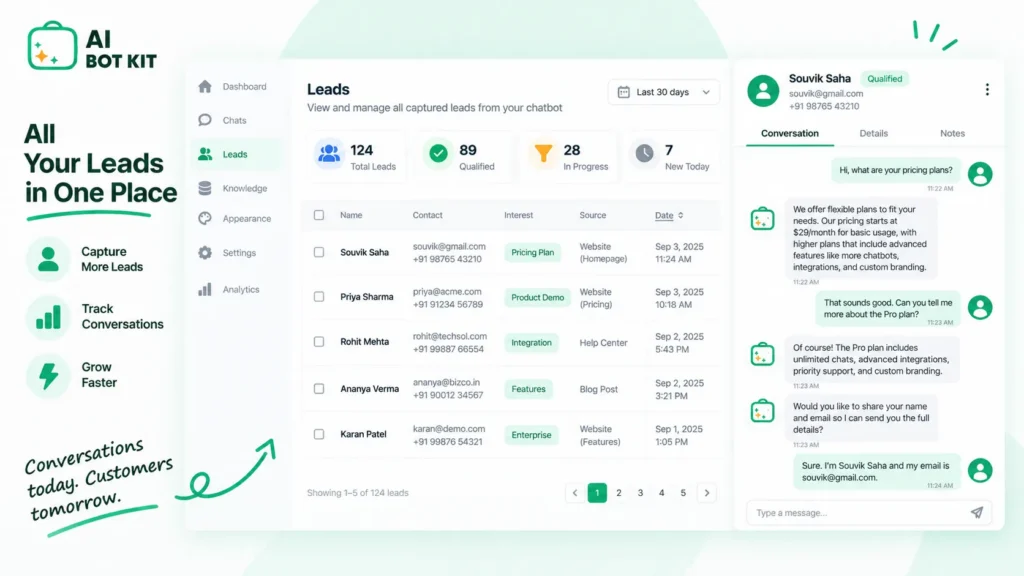
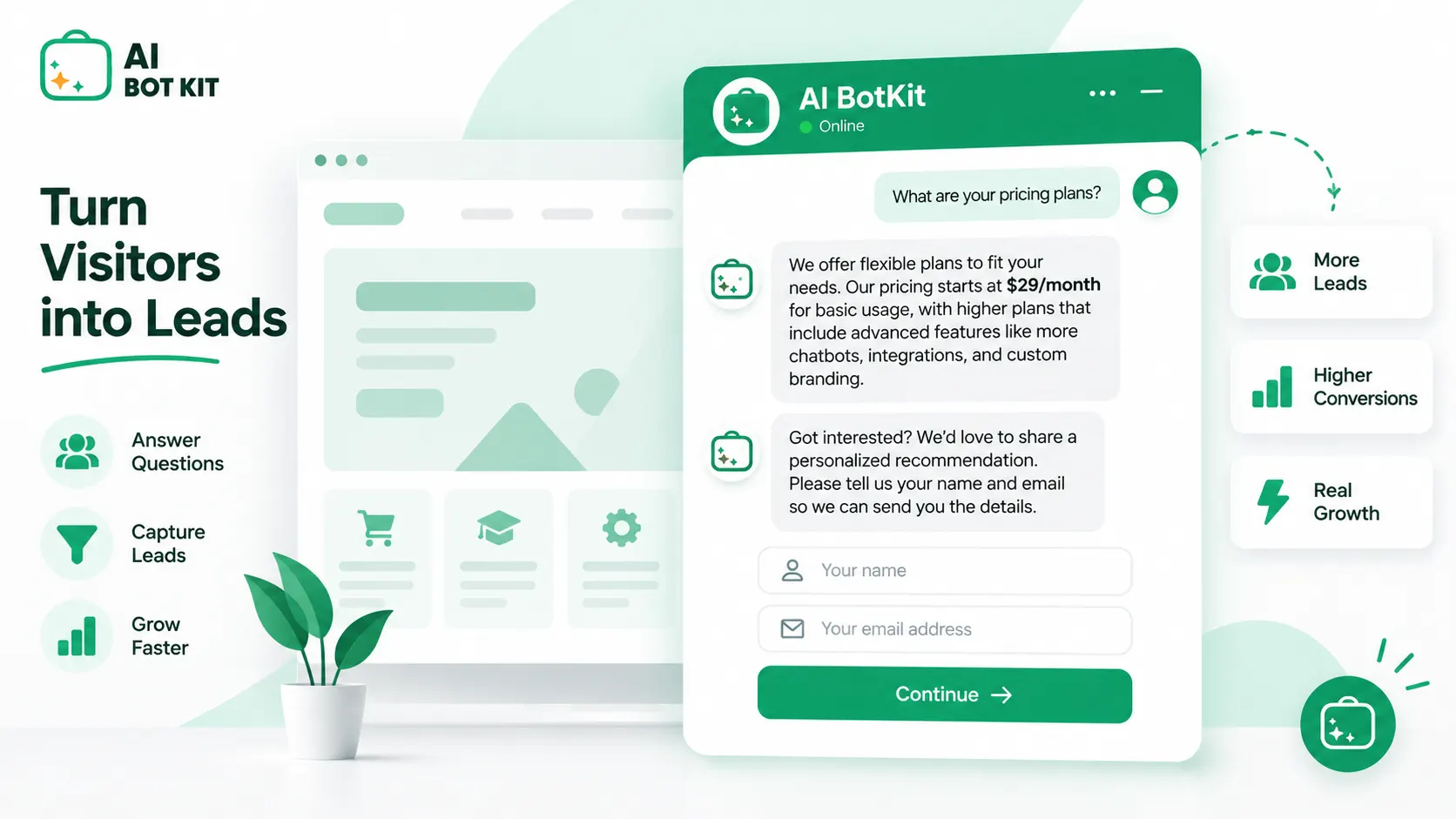
A lead generation chatbot is a chat widget on your website that answers a visitor’s questions from your own content, asks two or three qualifying questions, and captures their details inside the conversation instead of sending them off to a contact form. The goal is not more leads. The goal is leads you would actually call back, captured at the moment someone was interested, which is what chatbot lead generation gets right when it is set up properly and gets badly wrong when it isn’t.
Somewhere right now, a small business chatbot is working perfectly and quietly losing every lead it captures. The bot answers, the visitor leaves a number, the notification never arrives. One site owner discovered this on the WordPress support forums and wrote that he had no idea how long it had been broken, or how many leads were gone.
That version of the story does not appear in most guides on this topic. So this one starts with whether you need a lead generation chatbot at all, and only then gets to building one.
What a lead generation chatbot actually does
It replaces the gap between “visitor has a question” and “you reply tomorrow morning” with a conversation that happens now. Everything else follows from that.
The three jobs: answer, qualify, route
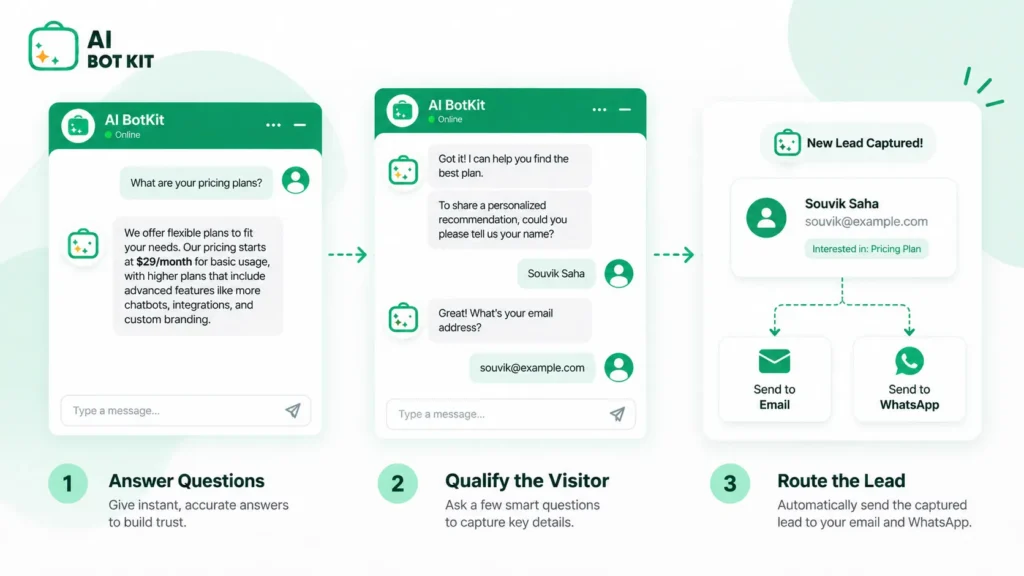
A working lead bot does three things in order. It answers the question the visitor arrived with. It asks a small number of questions that tell you whether this person is worth your time. Then it puts the lead somewhere you will actually see it.
Skip the first job and you have a form with a chat bubble on it. Skip the second and you have a pile of email addresses with no context. Skip the third and you have the situation in the forum thread above.
Where the answers come from, and why that decides everything
The bot answers from your content, not from general knowledge. You point it at your pages, posts, service descriptions, price lists, and PDFs, and it draws its answers from that material. We built AI BotKit this way because a bot that invents an answer about your refund policy costs you more than no bot at all.
This has an honest consequence. A chatbot trained on thin, outdated pages gives thin, outdated answers. If your pricing page says “contact us for a quote” and nothing else, the bot has nothing to work with either.
That is fixable, and training a chatbot on your own pages, posts, and PDFs is usually a shorter job than people expect. But it is work, and it happens before the results do.
Do you need one? Six questions to answer before you install anything
A chatbot is a conversion tool, not a traffic tool. It cannot help you if nobody is arriving, and it cannot fix an offer people do not understand.
When a lead generation chatbot earns its place
The case is strongest when the same questions keep arriving and your reply is slow. Harvard Business Review’s study The Short Life of Online Sales Leads audited 2,241 US companies and found that 23% never responded to a test enquiry at all, while the average response among those who did reply took 42 hours.
The same research found that firms making contact within an hour were nearly seven times more likely to qualify the lead. The study is from 2011, and nothing since has made buyers more patient.
If a third of your enquiries land in the evening or at the weekend, that gap is where your leads are going.
When it won’t help
Four situations where the honest answer is not yet:
- Very low traffic. Thirty visitors a week is a traffic problem, not a conversion problem.
- An unclear offer. If visitors cannot tell what you sell, a bot answering questions about it will not rescue the page.
- Phone-led businesses. If your customers ring you and always have, a chat widget is solving a problem you do not have.
- Highly regulated advice. Medical, legal, and financial answers need boundaries and a human in the loop, not automation.
If your contact form already converts fine
Then your bot has a different job, and you should scope it that way. For you the value is not capture, it is qualification and after-hours cover. The form keeps working; the bot handles the people who would have left without filling anything in, and separates the serious enquiries from the browsing ones.
Quick self-check. Answer yes or no:
- Do the same three or four questions arrive every week?
- Do enquiries land outside your working hours?
- Does a visitor typically need a question answered before they would ever contact you?
- Do you get enquiries you would not have taken if you had known more upfront?
- Do you have real content on your site (services, pricing, policies, FAQs) the bot could learn from?
- Do you have enough traffic that a percentage improvement would mean something?
Four or more yes answers and this is worth your afternoon. Two or fewer, and your time is better spent on traffic or on the pages themselves.
How a lead generation chatbot works, end to end
Step 1: it learns your content
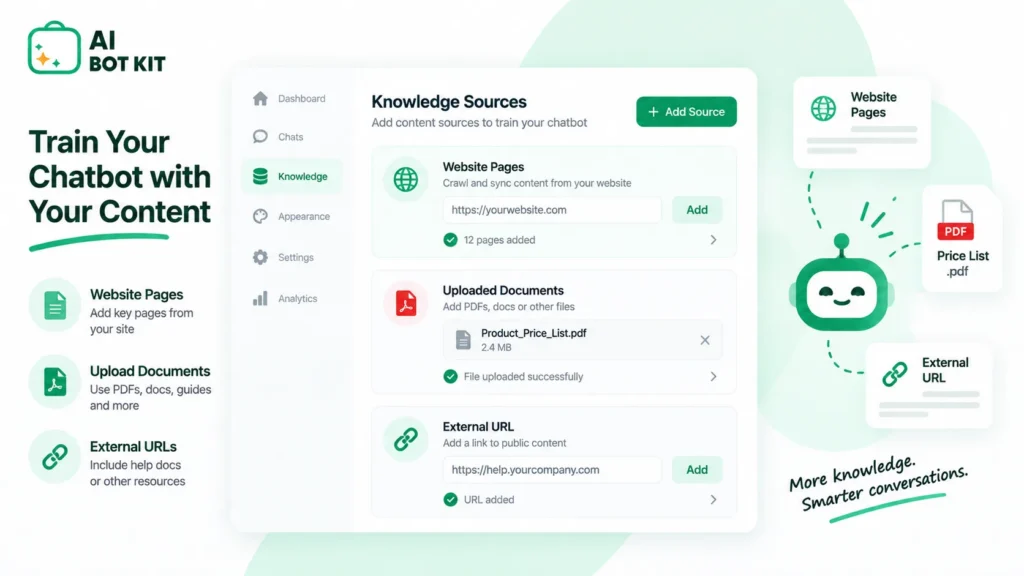
You give it sources. Pages and posts from your site, uploaded PDFs like a rate card or a service brochure, and external URLs if relevant material lives elsewhere. The bot indexes that material and answers from it.
Step 2: it answers before it asks
This ordering is the whole design, and it is where most setups go wrong. A recurring request in plugin support forums is for the bot to demand a name, phone, and email before it will respond to anything at all.
It is an understandable instinct and it defeats the purpose. Gate the conversation and you have rebuilt the contact form the visitor was already avoiding. Answer one useful question first, and the ask that follows feels like an exchange rather than a toll gate. That is why we built AI BotKit as a chat widget that answers first and routes after.
Step 3: it captures the lead mid-conversation
Once the bot has been useful, it asks for what you need to follow up: usually a name, one contact method, and a sentence about what they are after. Collected inside the conversation, this feels like a reply rather than a form submission.
Step 4: it routes the lead to wherever you actually work
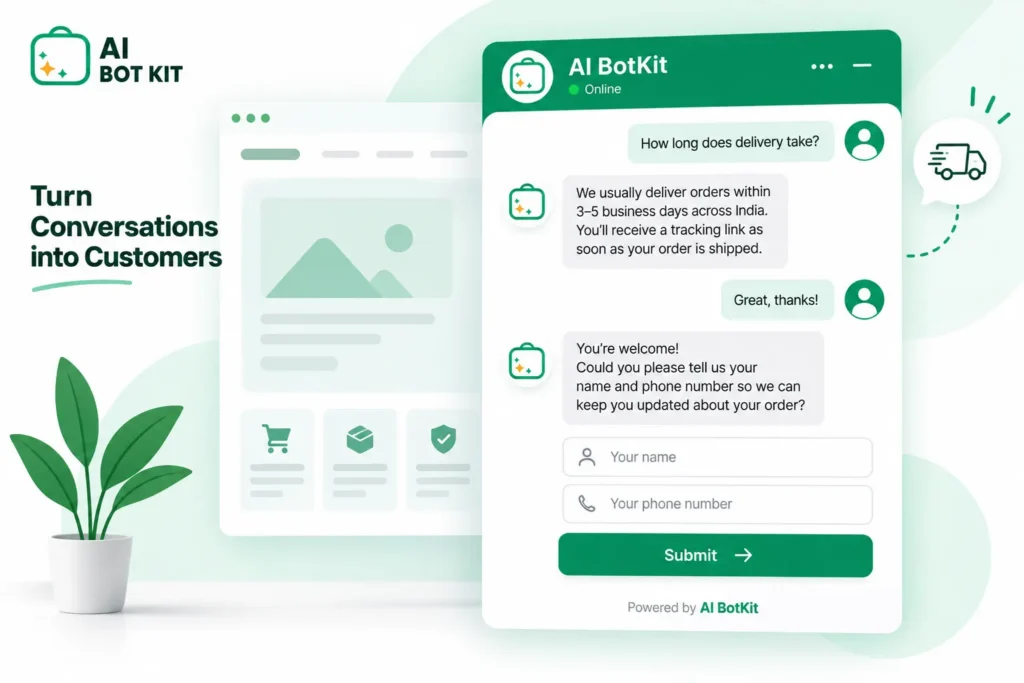
The lead is worthless in a dashboard you never open. In AI BotKit we send the captured lead and the chat transcript to your inbox, and can hand the conversation over to WhatsApp, Instagram, Messenger, or Telegram so the person lands in the app you already check.
If you run a CRM, export or a webhook covers it. If you do not, email and a spreadsheet are a perfectly legitimate destination, whatever the enterprise guides assume.
Step 5: it hands off to a human when it should
Some questions should go to a person, and a bot that refuses to admit this does real damage. Reviewers on G2 describe bots that are not helpful for detailed responses requiring context and only respond to basic pre-programmed queries, which is exactly the experience that makes visitors stop trusting chat widgets.
We would rather the bot say it does not know and pass you the conversation than guess. Set the handoff up on day one, not after the first complaint.
Chatbot, contact form, live chat, or rule-based bot: which one fits
| Feature | Lead generation chatbot | Contact form | Live chat | Rule-based bot |
|---|---|---|---|---|
| Answers questions | Yes, from your content | No | Yes, if someone is there | Only scripted ones |
| Available after hours | Yes | Yes, but no reply | No | Yes |
| Qualifies the lead | Yes, conversationally | Only via extra fields | Yes | Crudely, by menu |
| Your time per enquiry | Low | Low | High | Low |
| Setup effort | Moderate: content prep | Minimal | Minimal | High: flow building |
| Fails when | Your content is thin | Nobody fills it in | Nobody is online | Visitor goes off-script |
| Best for | Repeating pre-sales questions | Simple, low-volume enquiries | High-value sales conversations | Narrow, fixed processes |
Each option is right for somebody. The chatbot wins specifically when the same pre-sales questions repeat and you are not there to answer them.
Each of these is right for somebody. A one-person consultancy with four enquiries a month should keep its form. A high-ticket B2B seller should staff live chat. A booking flow with five fixed options does not need AI at all. The lead generation chatbot wins specifically when the same pre-sales questions repeat and you are not there to answer them. If you are choosing on WordPress in particular, how chatbot plugins work and how to pick one covers that comparison in more detail.
How to set one up on your site
Gather the content worth training on
Before you install anything, list what the bot will learn from. Services and what they include, pricing or how pricing works, delivery or turnaround, policies, and the ten questions you answer most often.
If three of those do not exist as written content anywhere, write them first. This is the step that decides your results.
Install it on your platform
On WordPress, it is a plugin install and an account connection. On Shopify, Squarespace, Wix, or a hand-built HTML site, it is an embed snippet in your template. Either way you are not writing code, and the setup documentation walks through each path.
WordPress users who want the longer walkthrough can follow capturing leads inside the chat instead of a contact form, which covers the plugin route step by step.
Decide where leads go
Pick the destination before you go live. Email notification is the baseline. A messaging app handoff suits anyone who runs their business from their phone. A CRM or a webhook suits anyone already working in one.
Test it as a stranger, then test the notification separately
Ask it five questions a real visitor would ask, including one it should not be able to answer. Then complete a capture yourself and confirm the lead lands where you expect.
Do this test again a month later. A reviewer of one chat plugin reported that chat messages simply stopped reaching their business email, which is the kind of failure that produces no error and no alert.
Writing qualifying questions that give you leads worth calling
More leads is easy. Leads worth calling is the actual problem, and it is decided entirely by the two or three questions your bot asks.
Three questions, not eight
Every extra question costs you completions. Baymard Institute’s checkout research puts a usable ceiling on this: it found that 17% of shoppers abandoned an order solely because the process was too long or complicated, with an ideal flow at 12 to 14 form elements against a US average of 23.48.
That is checkout data rather than lead capture data, but the direction is the same everywhere. Ask three things. If you need eight, you need a phone call, not a chatbot.
Ask what changes your follow-up
The test for each question: if the answer were different, would you do something different?
A tiling contractor asking “roughly how many square metres?” is asking a real question, because 4 and 400 lead to different replies. The same contractor asking “how did you hear about us?” is collecting a statistic while the visitor’s patience runs out. Attribution belongs in analytics, not in the conversation.
Why gating the chat turns your bot back into a form
Worth repeating, because the temptation returns the moment lead volume dips. Demanding contact details upfront raises the quality of nothing and lowers the quantity of everything. The visitor who would have converted after a good answer never gets one.
How to tell whether it’s working
Almost no guide on this topic tells you what success looks like in numbers, which makes it very easy to keep paying for something that is doing nothing.
The four numbers worth watching
- Conversations started. Is anyone using it at all?
- Leads captured. How many conversations produced contact details?
- Qualified rate. Of those, how many were worth a reply?
- Time to first human reply. Your side of the bargain, and the one the HBR data says decides conversion.
What to check after two weeks
Read the transcripts. Not the summary, the actual conversations. Twenty of them will tell you more than any dashboard: the questions you did not anticipate, the answers that were wrong, the point where people dropped out.
Set your expectations against your own baseline rather than a vendor’s case study. Form benchmarking from Zuko Analytics shows completion rates varying widely by industry and consistently lower on mobile, so the only comparison that means anything is your before and after.
The failure that shows up in no dashboard
Your notification path. It breaks silently, after an email change, a plugin update, or a deliverability problem, and the dashboard keeps showing captured leads the whole time. Send yourself a test lead monthly. It takes a minute.
The data your chatbot is now collecting
Once a bot is capturing leads, you are holding names, contact details, and conversation transcripts, and visitors sometimes type more than you asked for. Treat that as you would any other customer record.
Three practical things to check: where the data is stored and for how long, who on your side can see transcripts, and whether your privacy policy mentions chat at all. Most do not, because it was written before the widget existed.
We have spent over a decade building WordPress products at WisdmLabs, and the pattern we see is that this gets handled at the point someone finally asks about it. Handle it at setup instead. What applies to you legally depends on where you and your visitors are, and that question belongs with your own advisor rather than a vendor’s blog post.
Why lead generation chatbots underperform
The answers are wrong
This is nearly always a content problem rather than a model problem. Reviewers on G2 describe the upfront work needed before a bot understands a brand’s own vocabulary, and that work is unavoidable. Read the failed conversations, find what the bot could not answer, and write that page.
The leads are junk
Look at the qualifying questions before blaming the AI. Junk leads usually mean the bot is asking questions that do not separate anyone from anyone, or is asking none at all.
Nobody uses it
Check placement and opening message. A widget on the homepage only, with a greeting that says “Hi, how can I help?”, gets ignored. On the pricing and service pages, opening with something specific like “Want to know what this costs for your size of order?”, it gets used.
FAQ
Do lead generation chatbots actually work?
They work when the underlying conditions are right: enough traffic, real content to train on, and questions that repeat. Discussions on Quora about chatbot lead generation split fairly cleanly between people who prepared their content first and people who installed a widget and waited. The technology is rarely the deciding variable.
Should the chatbot ask for contact details before it answers anything?
No. It is a common request in plugin forums and it consistently backfires, because it recreates the contact form the visitor was already avoiding. Answer one question first, then ask. The only exception is a genuinely gated resource, where the visitor understands the trade upfront.
What is the difference between a lead generation chatbot and live chat?
Live chat connects a visitor to a person, which is better for complex or high-value conversations and useless when nobody is online. A lead generation chatbot answers from your content at any hour and hands off to a human when the question needs one. Many small businesses run the bot as the always-on layer and take over personally during working hours.
Can I use one if I don’t have a CRM?
Yes, and most small businesses starting out do not have one. Email notifications plus a spreadsheet works perfectly well until lead volume makes it annoying. Adding a CRM later does not mean rebuilding the bot, just changing where the leads are sent.
How long before it produces leads?
Installation takes minutes; useful output depends on your content. If your site already explains your services, pricing, and policies clearly, expect sensible answers on day one and a fair read on performance after two weeks of traffic. If it does not, the writing you do first is the real timeline. Cost varies by plan, and what a chatbot actually costs breaks that down.
People are on your site right now with a question you have answered a hundred times, and some of them are there at eleven at night. Most of them will not email you to ask it. A lead generation chatbot is simply the thing that answers them at that moment and tells you who they were, which turns a bounce into a conversation you can pick up in the morning.
If that sounds like your site, start with a free plan and point it at the pages you have already written. No card needed, and you will know within a fortnight of transcripts whether it is earning its place.