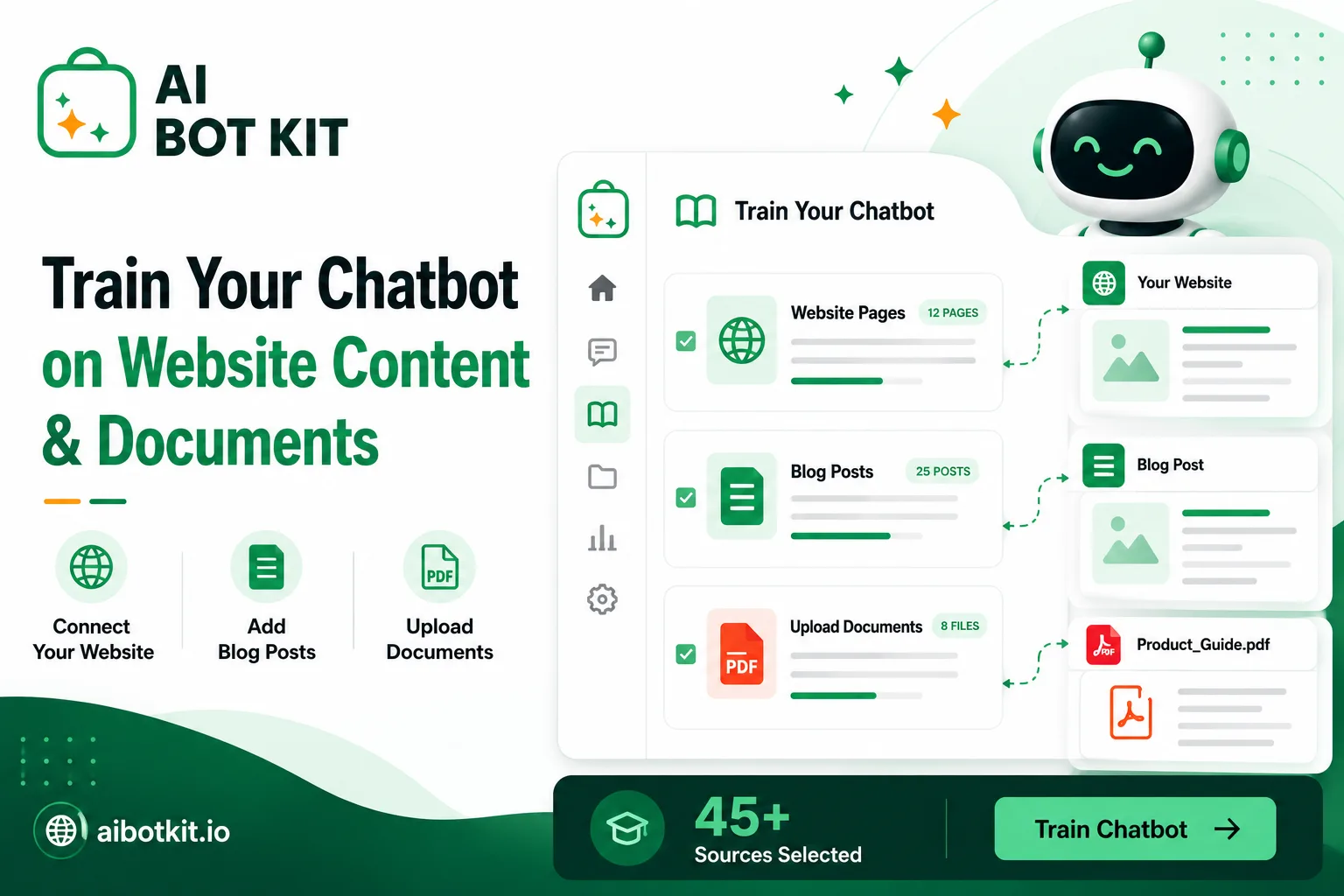
Here is how to train chatbot on website content: point it at the pages, posts, and PDFs you already have, so it answers from your material instead of general knowledge. Building that chatbot knowledge base takes minutes. What decides whether a chatbot trained on website content works is what you include, and how you test it.
A chatbot can be installed correctly, trained successfully, and still tell your visitors the wrong opening hours.
That happens when the bot was pointed at everything on the site except the page holding the answer. One writer described exactly this, discovering from the car park that their accountant’s chatbot had been confidently announcing Sunday hours that did not exist.
The bot was not broken. The content selection was, and that is the part almost nobody plans for.
“Training” does not mean what most people think it means
The word training makes people picture something expensive and slow. In practice, what you are doing takes about as long as making coffee.
Fine-tuning versus retrieval, in plain terms
There are two different things called training, and only one of them applies to you.
Fine-tuning changes the AI model itself by feeding it thousands of examples. It is slow, costly, and wrong for this job, because your prices and policies change faster than you could retrain.
Retrieval leaves the model alone and gives it a library instead. When a visitor asks a question, the system searches your content, finds the relevant passages, and hands them to the AI with the question attached.
That second one is what every practical chatbot tool does. Your content becomes a searchable index. The AI reads from it and answers.
Why this changes what you do next
Because retrieval searches your content live, updating the bot means updating your pages. There is no retraining cycle to schedule and no machine learning knowledge required.
It also means something less comfortable. The bot cannot be better than the content you give it, and no amount of setup will fix a page that was thin or wrong to begin with.
That is worth sitting with, because visitor patience has thinned. Zendesk’s CX Trends 2026 research found that 88% of customers now expect faster responses than they did a year ago. A fast wrong answer is worse than a slow right one.
Decide what your chatbot should not read
Every guide on this topic tells you to add your content. Almost none tells you what to leave out, which is where most bad answers actually come from.
The content that makes answers worse
Your site contains pages that were true once. When those sit in the knowledge base alongside current pages, the bot has no way to know which one wins.
The usual offenders are old pricing pages, superseded policies, blog posts announcing features that shipped two years ago, and thin tag or category archives that contain almost no real text.
Duplicates are the sharpest version of this problem. If your refund window appears on three pages with slightly different wording, pick one and make it the source.
How much content is actually enough
If you have fifteen pages, you are not disqualified. You are just going to find out quickly which questions your site never answered.
Bigger is not automatically better either. One WordPress guide recommends seeding the knowledge base with ten to twenty strong pages rather than the entire archive, because a smaller, sharper set retrieves more cleanly.
Speed is rarely the constraint. In one published case study, a plugin processed 130 documentation articles in under five minutes. Selecting those 130 takes longer than indexing them.
Run every candidate page through this:
| Verdict | What it looks like | Why |
|---|---|---|
| Train it now | Current FAQs, product and service pages, shipping and returns policy, pricing page, contact and hours, how-to documentation | Accurate today, and written to answer a question someone actually asks |
| Fix it first | Pages with outdated figures, policies that contradict another page, posts with a correct answer buried under 800 words of preamble | The information is right but the bot will retrieve it badly, or retrieve the wrong version |
| Leave it out | Old pricing, retired products, tag and date archives, thin category pages, internal drafts, announcement posts about past changes | Adds noise, and worse, competes with your current pages for the same question |
Spend an afternoon on this table and you will save yourself a month of confused answers.
If you are still choosing a tool at this stage, our guide on how WordPress chatbot plugins work covers what separates one from another.
Connect your WordPress pages and posts
With your list decided, the connection step is genuinely short.
The one-click route in WordPress
Install the plugin from your dashboard, activate it, and choose your sources. The plugin reads your content directly from your own database rather than crawling your site from the outside.
At AI BotKit, we built the native WordPress integration so one Resync pulls your pages, posts, products, courses, and custom post types without any copying and pasting. If you use a page builder or a custom post type, that content comes along too.
Other plugins take a similar approach with different mechanics. AI Engine and WPBot both build knowledge bases from site content and documents, and both list PDF support on their WordPress.org pages.
Whichever you pick, apply your exclusion list at this step rather than after. Adding everything and pruning later means testing against noise you put there yourself.
[IMAGE: wordpress-chatbot-knowledge-base-selection.webp — alt text: WordPress plugin screen listing pages and posts with checkboxes for selecting which content to include in the chatbot knowledge base]
Our documentation covers the setup detail this article skips.
If your site is not on WordPress
The selection logic is identical on Shopify, Wix, Squarespace, or a custom build. What changes is the connection method.
Instead of a plugin reading your database, you point the tool at URLs or a sitemap, and add an embed snippet to your template. The preparation and testing work does not get easier or harder on a different platform, because that work is about your content, not your CMS.
We also have a walkthrough on adding a chatbot without a plugin if you would rather use the embed route on WordPress too.
Add PDFs, and know which ones will actually work
Documents are where a chatbot earns its place, because manuals, price lists, and policy sheets hold answers your website pages never covered.
They are also where results get inconsistent, and vendors rarely say so. When you upload PDF to chatbot knowledge bases, the file gets converted to text first, and how well that conversion goes decides everything downstream.
At AI BotKit, we accept PDF, DOCX, and TXT alongside your site content, and the same caveat applies to us as to everyone: what we can read is what your file makes readable.
PDFs that work well as-is
Text-based documents with a clear reading order handle the conversion cleanly. Think a four-page FAQ sheet, a written returns policy, an onboarding guide, or a service description exported from a word processor.
The test is simple. Open the file, try to select a sentence with your cursor, and if the text highlights, the document has a real text layer.
PDFs that need work first
Scanned documents
If your PDF is a photograph of a page, there is no text to extract. Selecting a sentence highlights nothing. Without optical character recognition, the file contributes zero to your knowledge base while appearing to have uploaded successfully.
Table-heavy price lists and specs
Tables are the known weak spot. Standard extraction reads across visual columns and produces scrambled text, so a price can end up attached to the wrong product.
This comes up in support forums regularly. One site owner asked directly how tables inside documents get handled and was pointed at documentation that had gone dead.
If the numbers matter, put them on a web page as well as in the PDF. A simple HTML table beats a beautifully designed price sheet every time.
Long manuals
A ninety-page manual is not one answer, it is two hundred. Long documents retrieve better when the sections are clearly headed, because headings survive conversion and give the search something to anchor on.
[IMAGE: upload-pdf-to-chatbot-documents.webp — alt text: Document upload panel showing PDF and DOCX files added to a chatbot knowledge base with processing status for each]
Test it before your visitors do
Training finishes in minutes. That speed creates a trap, because a bot that looks ready is not the same as a bot that is right.
One reviewer described the pattern precisely after training on their site: the bot collected everything automatically in a couple of minutes, then, in their words, it “needed some fine-tuning after that”.
Write twenty questions from your own inbox
Do not invent test questions. Open your email, your DMs, and your contact form submissions, and take the twenty questions people actually asked in the last month.
Ask each one in the visitor’s wording, not yours. Customers say “can I send this back”, not “what is your returns policy”, and the gap between those two phrasings is exactly what breaks retrieval.
Then ask five questions you know your site does not answer. You are checking whether the bot admits it or invents something.
When the answer is wrong, work out which thing is broken
Most people respond to a bad answer by adding more content. That fixes one of these causes and makes another one worse.
| What you see | Likely cause | What to fix |
|---|---|---|
| Confident answer, wrong facts | The information is not in your knowledge base, so the model filled the gap | Add the missing page, and check the fallback is switched on |
| Bot says it does not know, but the answer is on your site | Retrieval miss. The page exists but is worded differently from the question, or buried in a long post | Rewrite the section with the customer’s phrasing in a heading |
| Right facts, wrong emphasis or tone | Bot instructions are steering it | Adjust the instruction prompt, not the content |
| Bot never responds at all | Not a training problem | Check the plugin and server, as in this support thread where the cause was PHP |
The first row is the one to take seriously. A model asked something its sources do not cover will often answer anyway. Developers hit this constantly: one described a document-trained bot that kept generating answers even when the source contained nothing relevant, and instructing it to say so did not reliably stop it.
Grounding reduces invention, it does not eliminate it, and any tool promising otherwise is overselling.
Decide what happens when your bot does not know
Your fallback message is a real design decision, not a settings checkbox.
A bot that guesses damages trust faster than a bot that says it cannot help. Set it to admit the gap and offer a route to a person, then confirm that setting actually holds by asking those five unanswerable questions from your test list.
Escalation matters more than most setup guides suggest. A Gartner survey of 3,566 customers conducted in early 2026 found that 87% say companies using generative AI for customer service must provide access to a human agent.
At AI BotKit, we built the handoff so the conversation moves to your team with its context intact, rather than making the customer start over. It sits on the higher plans, so check what your tier includes before you promise it on your contact page.
Some questions should reach a person, and building the exit route is part of building the bot.
What keeps answers accurate three months from now
The failure mode nobody plans for is drift. The bot was accurate in March and quietly wrong by June because a policy changed and nothing told the knowledge base.
Retraining cadence and auto-sync
If your tool syncs automatically when content changes, confirm it and then verify it once by editing a page and asking about it.
If it does not, put a recurring reminder in your calendar. Monthly works for most small sites. Anything with seasonal pricing or stock needs it tighter.
Trigger a manual resync whenever you change prices, policies, hours, or anything a customer would be annoyed to learn late.
Reading the gaps your bot is already showing you
Your chat logs are the most useful research you will get for free. Every question the bot could not answer is a page you have not written.
Look at the transcripts monthly and sort the misses into two piles: questions your content should have covered, and questions that were never your job to answer. The first pile is your content calendar.
We have spent over a decade building WordPress products at WisdmLabs, and this is the pattern that holds across every site we see: the sites where the bot works are the ones where someone reads the logs.
[IMAGE: chatbot-analytics-knowledge-gaps.webp — alt text: Chatbot analytics dashboard showing conversation history and a list of visitor questions the bot could not answer]
What to check about where the data goes
Visitor questions leave your server. When someone asks the bot something, the question and the retrieved passages go to a model provider for processing, and your privacy policy should say so plainly.
Three things to check with any tool before launch: whether your training content and chat transcripts are used for anything beyond answering, where lead details captured in chat are stored, and how you delete content and conversations when you want them gone.
None of this is legal advice, and no plugin can hand you compliance. It is a short list of questions to get answered before you go live rather than after. If you are also capturing leads in the chat window, our post on chatbot lead capture in WordPress covers that side.
Ongoing cost is worth a look too, since usage scales with traffic. We break the numbers down in our guide to what a WordPress chatbot costs, and free plan limits are covered in our free chatbot comparison.
Your pre-launch checklist
Run this before the widget goes live for visitors.
- Every page in the knowledge base is accurate as of today
- Outdated pricing, retired products, and thin archive pages are excluded
- Contradictions between pages are resolved, with one page named as the source
- Prices and specs exist as web text, not only inside a PDF
- Every uploaded PDF has a selectable text layer
- Twenty real customer questions tested in the customer’s own wording
- Five unanswerable questions tested, and the bot admitted it did not know
- Fallback message written, and it offers a route to a person
- Human handoff confirmed as available on your plan
- A resync reminder exists in your calendar
- Privacy policy mentions that visitor questions are processed by an AI provider
FAQ
How long does it take to train a chatbot on website content?
Indexing usually takes a few minutes. A small site of twenty pages is typically done in two to five minutes, and a few hundred pages in around fifteen. The real time goes into checking your content beforehand and testing answers afterwards, which is an afternoon of work for most small sites.
How many pages do I need before this is worth doing?
There is no minimum, but there is an honest threshold. If your site does not currently answer the questions customers ask, training a bot on it will surface that gap rather than close it. Ten to twenty pages that genuinely answer common questions outperform two hundred pages that circle around them.
Can I train a chatbot on a PDF?
Yes, and most tools accept PDF, DOCX, and TXT files. The catch is that scanned PDFs contain no extractable text and contribute nothing, while tables often convert into scrambled text. Check that you can select and highlight sentences in the file, and keep critical numbers on a web page as well.
Will the chatbot answer questions about things that are not on my site?
It can, which is why the fallback setting matters. Grounding pushes the model toward your content, but a model asked something its sources do not cover will sometimes answer anyway. Configure it to say it does not know, then test that behaviour with questions you are certain your site never covers.
Do I need to retrain every time I publish a post?
Not if your tool syncs automatically, though it is worth verifying that once by editing a page and asking about the change. If syncing is manual, a monthly refresh suits most sites. Resync immediately after changing prices, policies, or opening hours, since those are what customers get annoyed about.
Start with the content, not the tool
If you have been putting this off because it sounds technical, the technical part is the easy half. Choosing which pages to include, resolving the contradictions, and testing with questions your customers actually asked is where the outcome is decided, and none of that requires a developer.
If you have a chatbot already and the answers are off, start with the diagnosis table above rather than adding more content. Adding pages to fix a retrieval problem usually makes it worse.
Either way, the fastest way to learn what your site does not answer is to point a bot at it and ask.
Build your free chatbot on AI BotKit and train it on up to 20 pages to see what your visitors have been asking. No credit card, and you can have it answering the same afternoon.